


Free AI UML Diagram Generator
Map your architecture faster with AI-built UML diagrams.
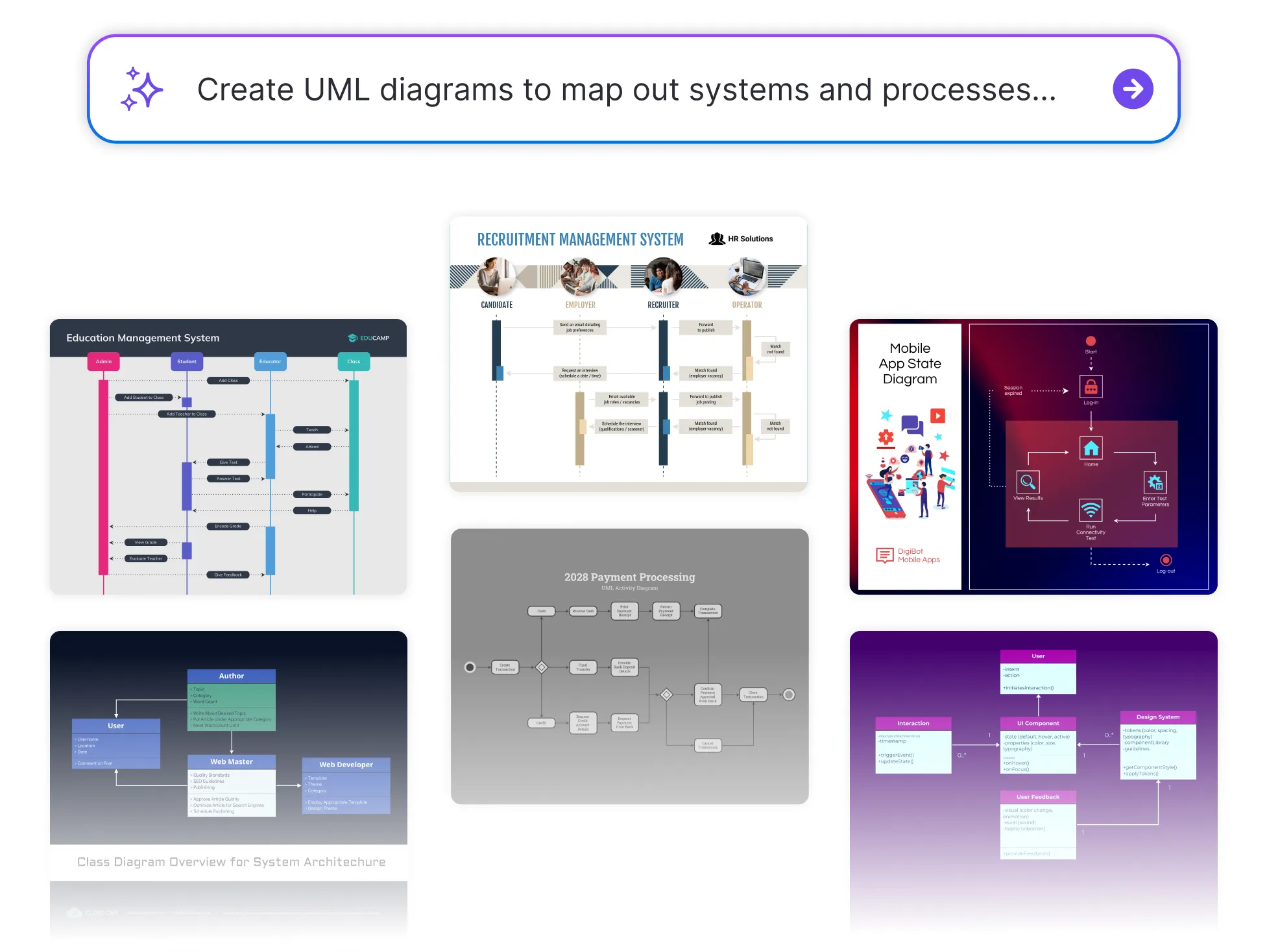




Browse Through More UML Diagram Templates


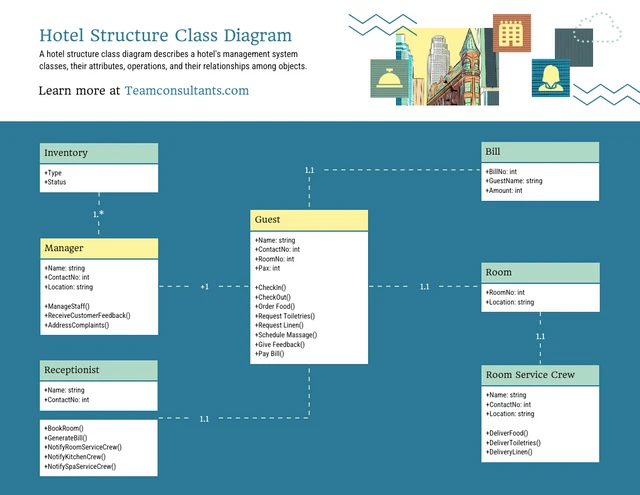


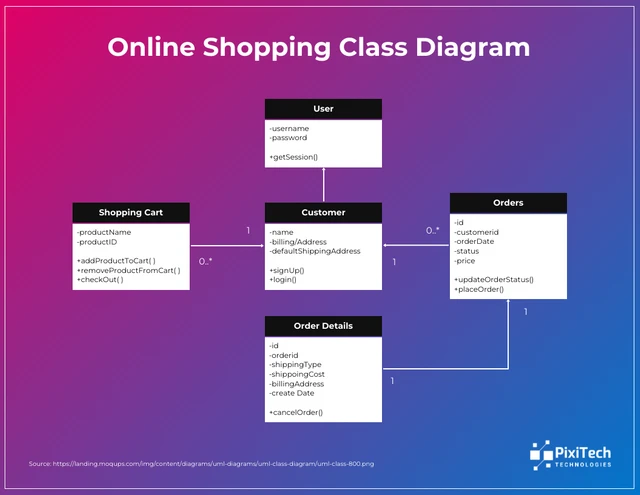
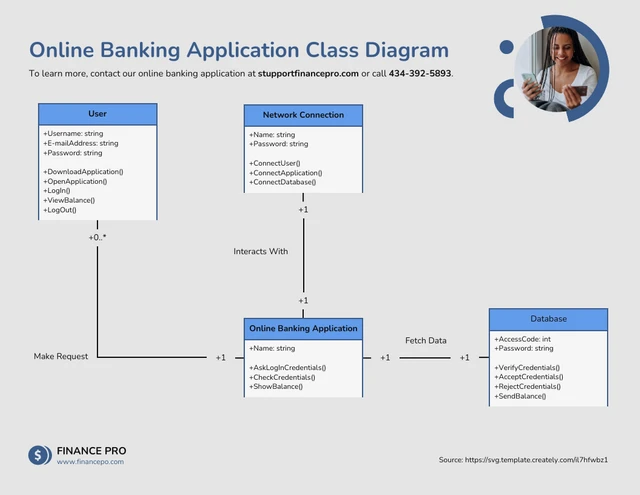

Popular AI Design Generators




How to Create a UML Diagram Using AI in Under 5 Minutes
Step 1
Describe Your System or Process
Start by entering a brief overview of the system you want to visualize—components, relationships, user actions, data flow, or process steps. The AI tool uses this information to understand your architecture.
Step 2
Add Key Entities and Interactions
Include classes, actors, modules, or workflows. The more context you provide, the more accurate the AI-generated UML structure will be.
Step 3
Generate Your UML Diagram With AI
Venngage’s AI UML Diagram Generator instantly transforms your inputs into a clear, structured UML diagram such as class diagrams, sequence diagrams, activity diagrams, or flow diagrams based on your needs.
Step 4
Customize the Diagram Layout
Use the drag-and-drop editor to adjust shapes, connectors, colors, and labels. Apply your Brand Kit to maintain consistency across documentation, presentations, or engineering reports.
Step 5
Download or Share Instantly
Export your UML diagram as a PDF, PNG, or share via a link so your team, developers, or stakeholders can review and collaborate instantly.
Software Engineers Building System Architecture Faster
When deadlines tighten and features stack up, engineers don’t have time to manually draw diagrams. Venngage’s AI UML Diagram Generator instantly converts architecture notes, logic flows, and class structures into clean, accurate UML diagrams.
Communicate complexity with confidence and generate engineering-ready diagrams that keep your build on track.
Start Diagramming With AI