


Free AI Twitch Banner Generator
Instant banners for unforgettable streams.
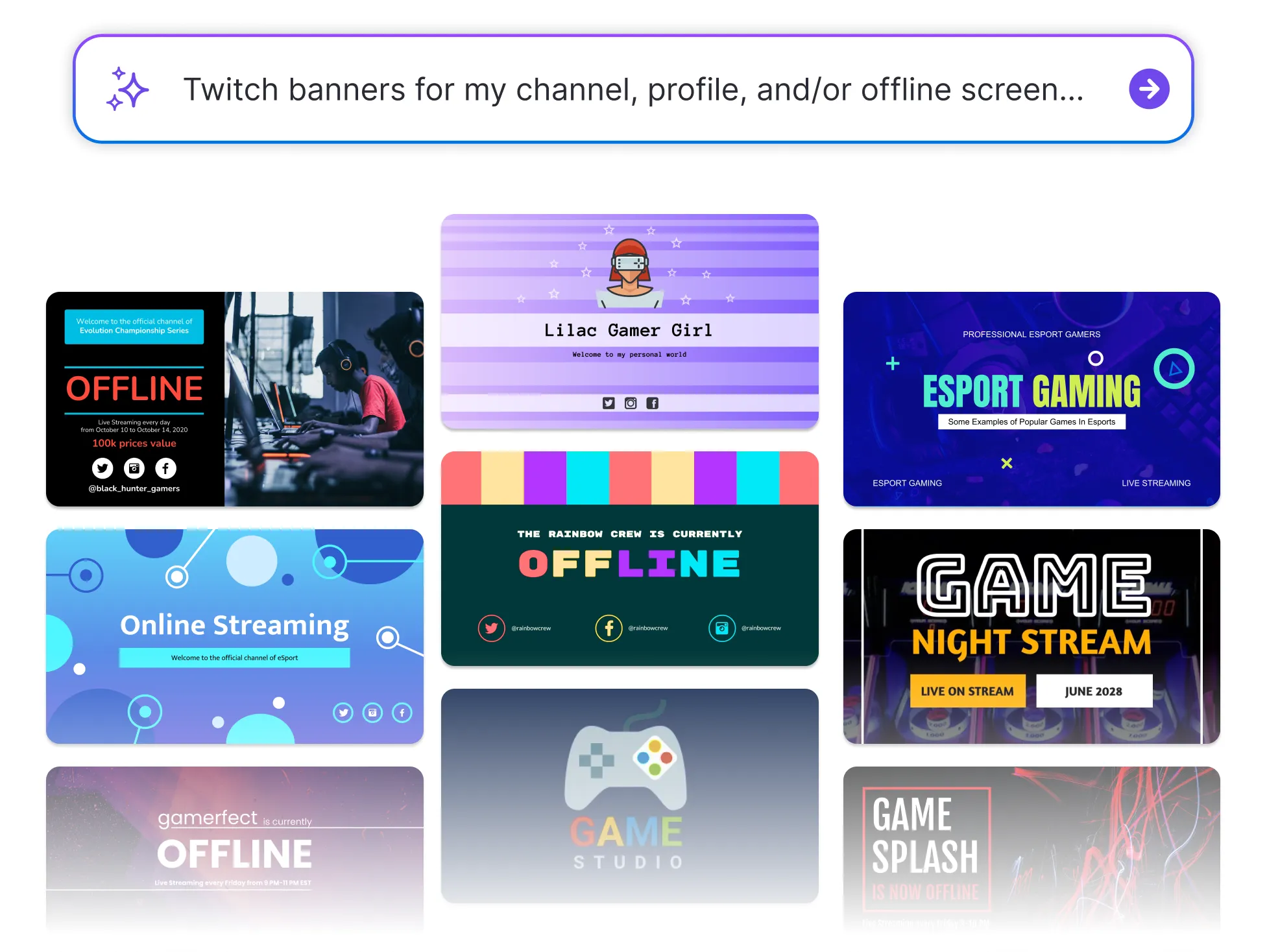




Browse Through More Twitch Banner Templates





Popular AI Design Generators
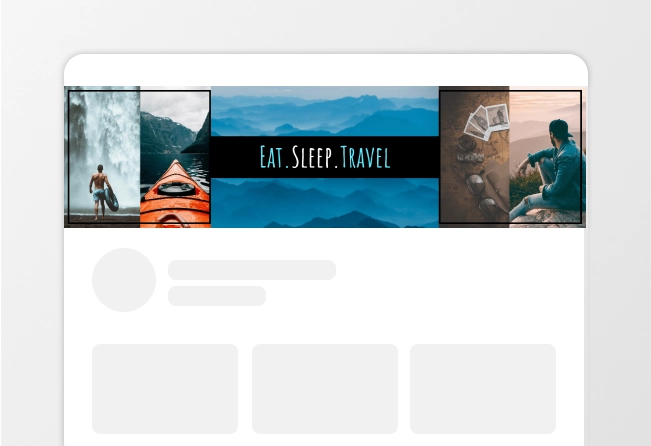
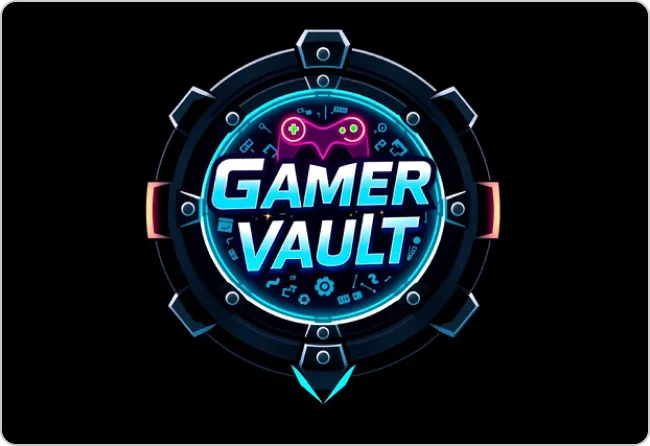
How to Create a Twitch Banner Using AI in Under 5 Minutes
Step 1
Describe Your Channel and Brand Style
Start by entering your channel name, content type, and vibe (gaming, esports, Vtuber, etc.). Venngage’s AI Twitch Banner Generator uses this information to begin creating your custom design.
Step 2
Text and Key Details
Input your slogan, schedule, or social handles. The AI Twitch Banner Maker automatically arranges your content into a clean, professional layout optimized for visibility.
Step 3
Let AI Generate the Banner Design
Venngage’s AI-powered Twitch banner design tool instantly builds your banner using balanced composition and smart layout automation with no design skills required.
Step 4
Customize the Look and Branding
Edit colors, fonts, and images using the drag-and-drop editor. Apply your Brand Kit to keep your Twitch branding consistent across banners, overlays, and profile elements.
Step 5
Download and Use Instantly
Export your high-resolution Twitch channel banner and upload it directly to your profile. Your graphic is ready for live streams, profiles, and promotion.
Gaming Creators and VTubers Building Visual Identity
In gaming and VTubing, personality is everything and your design must match it. Venngage’s AI-powered Twitch Banner Generator helps you create standout stream graphics and profile banners that align with your character and brand.
Build recognition—design once, get remembered everywhere.
Make My Channel Stand Out