


Free AI Tree Map Generator
Make sense of messy data with a tree map.
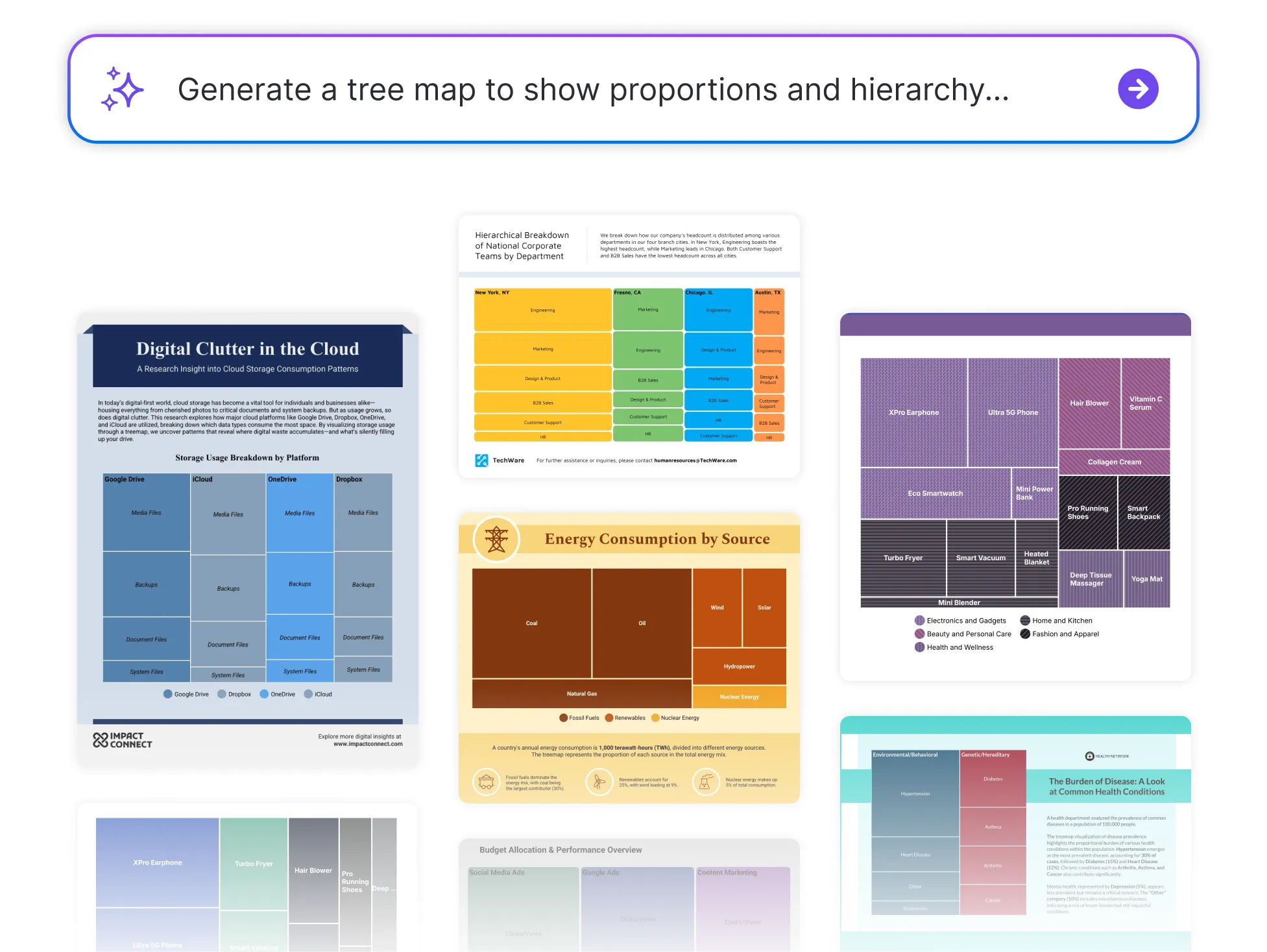




Browse Through More Tree Map Templates
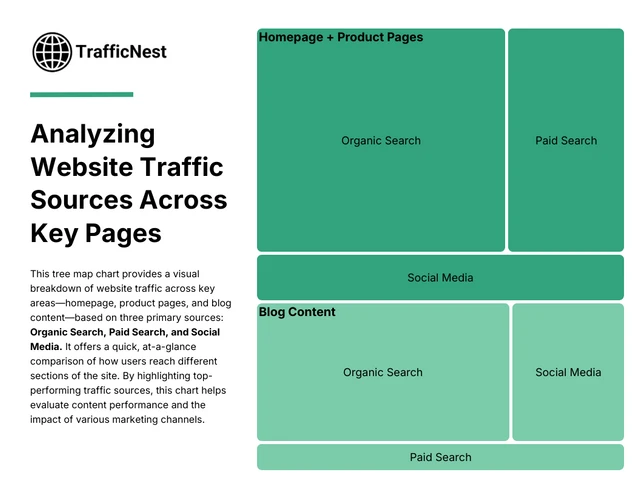
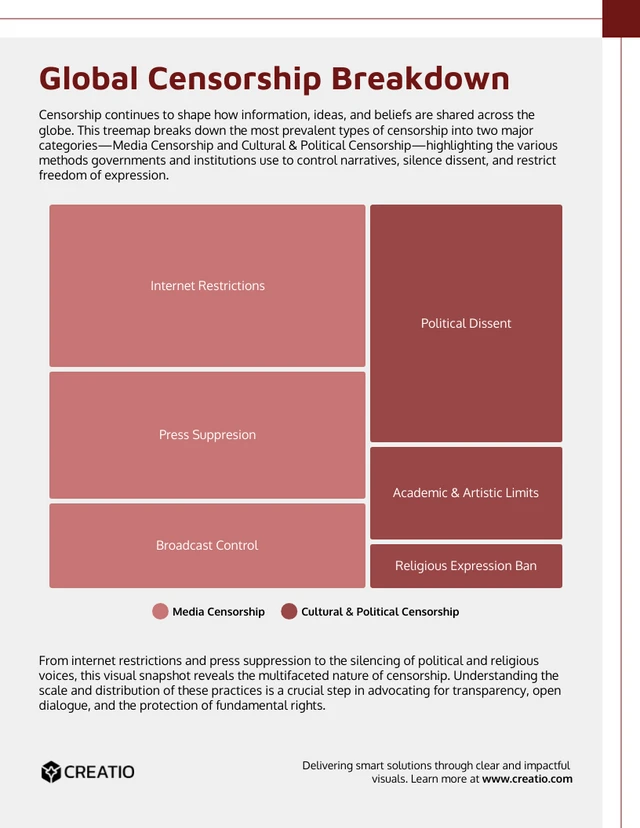

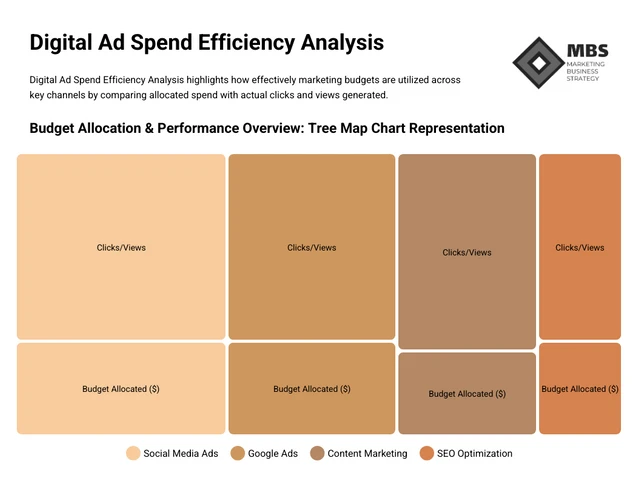
Popular AI Design Generators

How to Create a Tree Map in Under 5 Minutes
Step 1: Add Your Data
Start by entering your categories and values, whether it’s sales figures, budget breakdowns, or content groupings.
Step 2: Let AI Generate the Tree Map
Venngage’s AI instantly transforms your data into a visual layout that shows proportions and hierarchy clearly.
Step 3: Refine Your Labels and Segments
Easily update names, values, and groupings to make your tree map accurate and easy to follow.
Step 4: Customize the Design
Use Venngage’s drag-and-drop editor to adjust colors, fonts, and layout. Apply your Brand Kit for a polished, consistent look.
Step 5: Download or Share Instantly
Export your tree map as a PNG, PDF, or shareable link—ready to drop into presentations, reports, or dashboards.
Data Analysts Looking to Show the Big Picture
Want to visualize large datasets without losing clarity? Venngage’s Tree Map Generator helps you break down complex categories and values into clean, color-coded visuals, perfect for dashboards, reports, and presentations.
Just input your data and let the generator do the work, so your insights are easy to see and even easier to share.
Generate a Tree Map