


Free AI Table Generator
Simplify data organization.
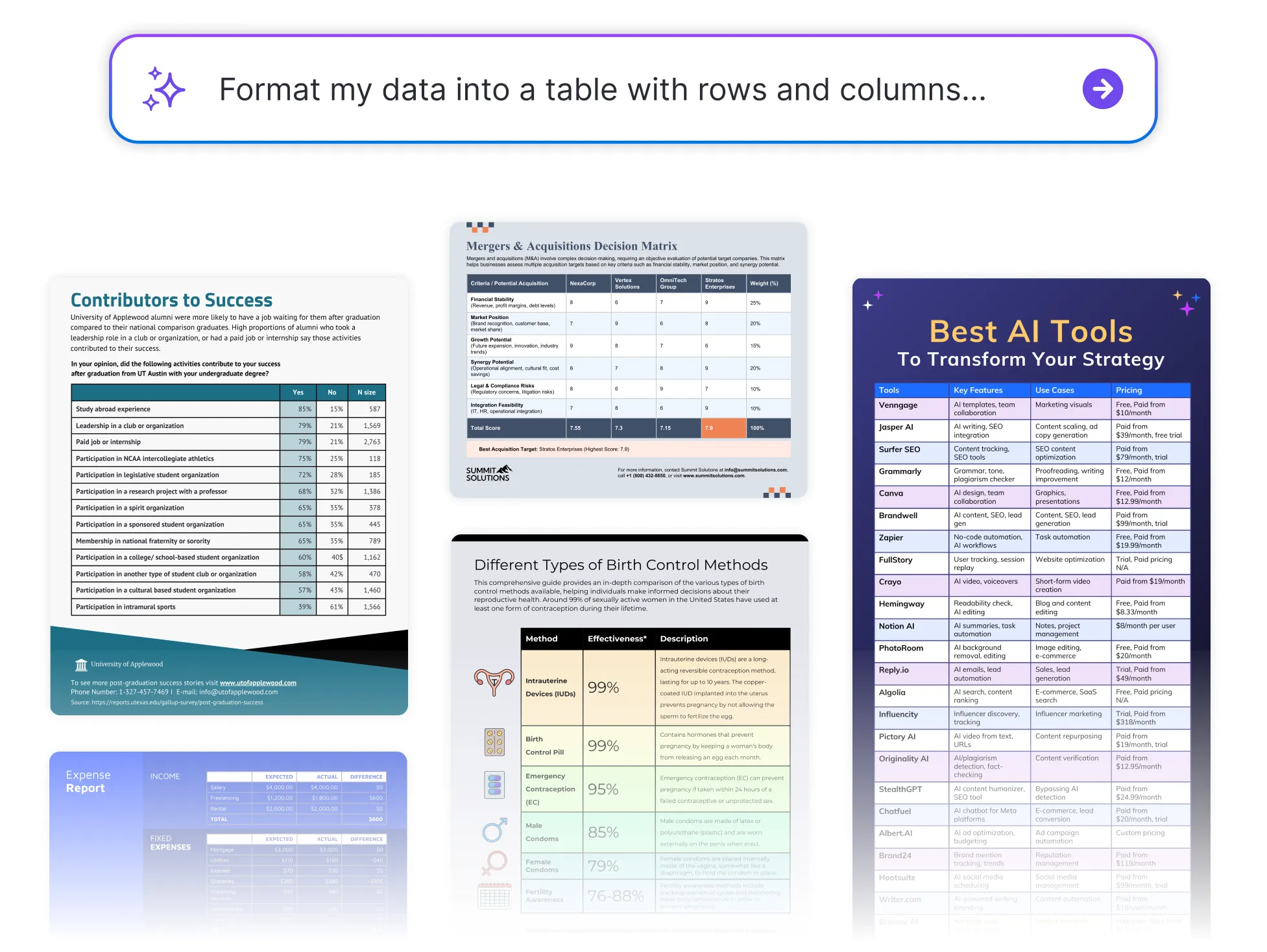




Browse Through More Table Templates
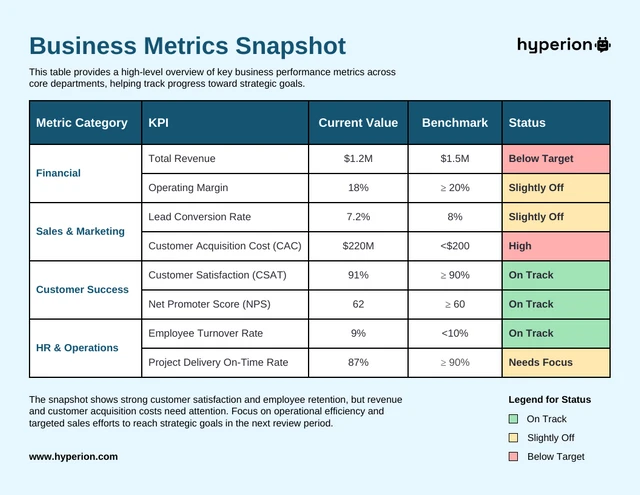
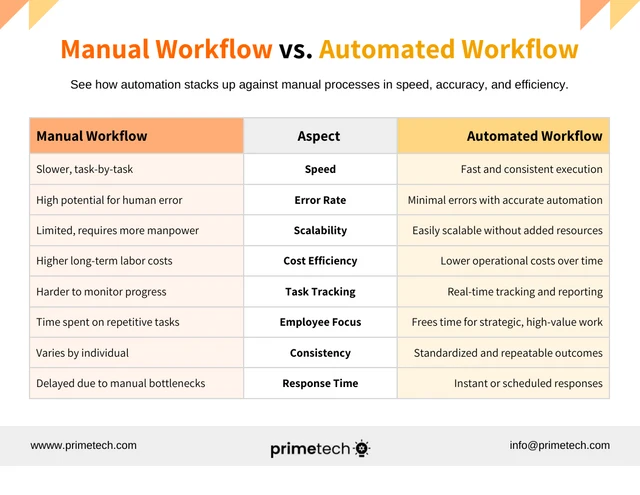
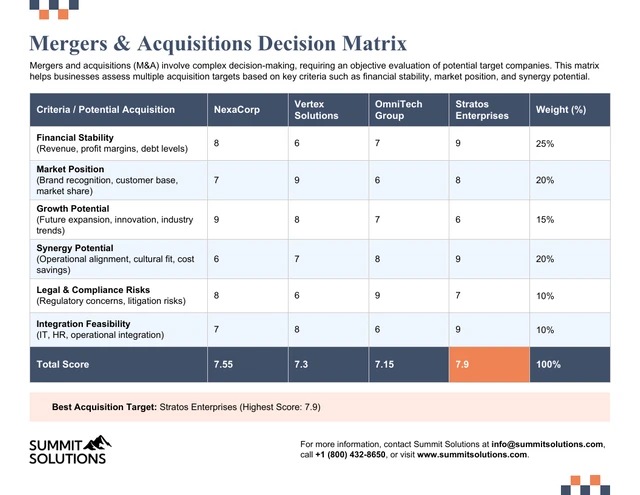

Popular AI Design Generators


How to Create a Table in Under 5 Minutes
Step 1
Add Your Data or Information
Start by entering your raw data, whether it’s numbers, text, or metrics. The AI Table Generator automatically structures it into neat, readable rows and columns.
Step 2
Choose Your Table Type
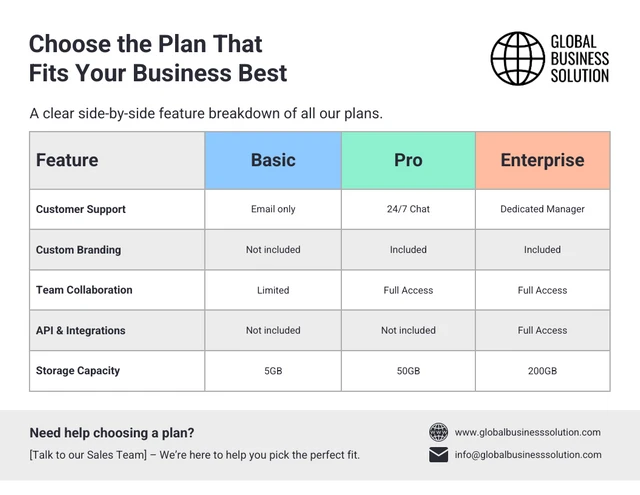
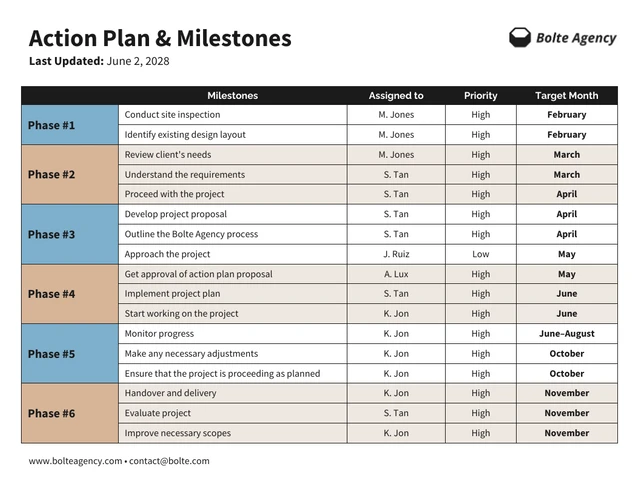
Select from options like comparison tables, pricing charts, schedules, or data summaries. AI instantly formats your data for clarity and visual balance.
Step 3
Refine and Customize
Adjust column widths, labels, or categories to make your table accurate and easy to read. Venngage’s AI Table Generator tool helps align everything perfectly for a clean layout.
Step 4
Apply Your Brand Style
Use Venngage’s Brand Kit to add your logo, fonts, and colors. Create consistent, on-brand tables for reports, dashboards, or presentations.
Step 5
Download or Share Instantly
Export your finished table as a PDF, image, or link that’s ready to share in reports, pitch decks, or social posts. It’s fast, accurate, and presentation-ready.
Data Analysts Turning Numbers Into Insights
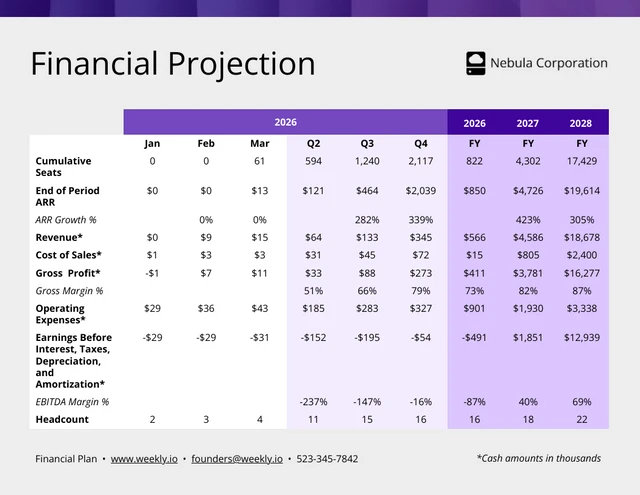
Spreadsheets are great, until they’re not. Venngage’s AI Table Generator helps analysts transform messy datasets into structured, visually clear tables that make data storytelling effortless.
No more manual formatting or lost formulas. Just upload your data, let AI organize it, and present insights that actually get understood.
Generate My Table Now