


Free AI Invoice Generator
Create and send invoices in clicks.
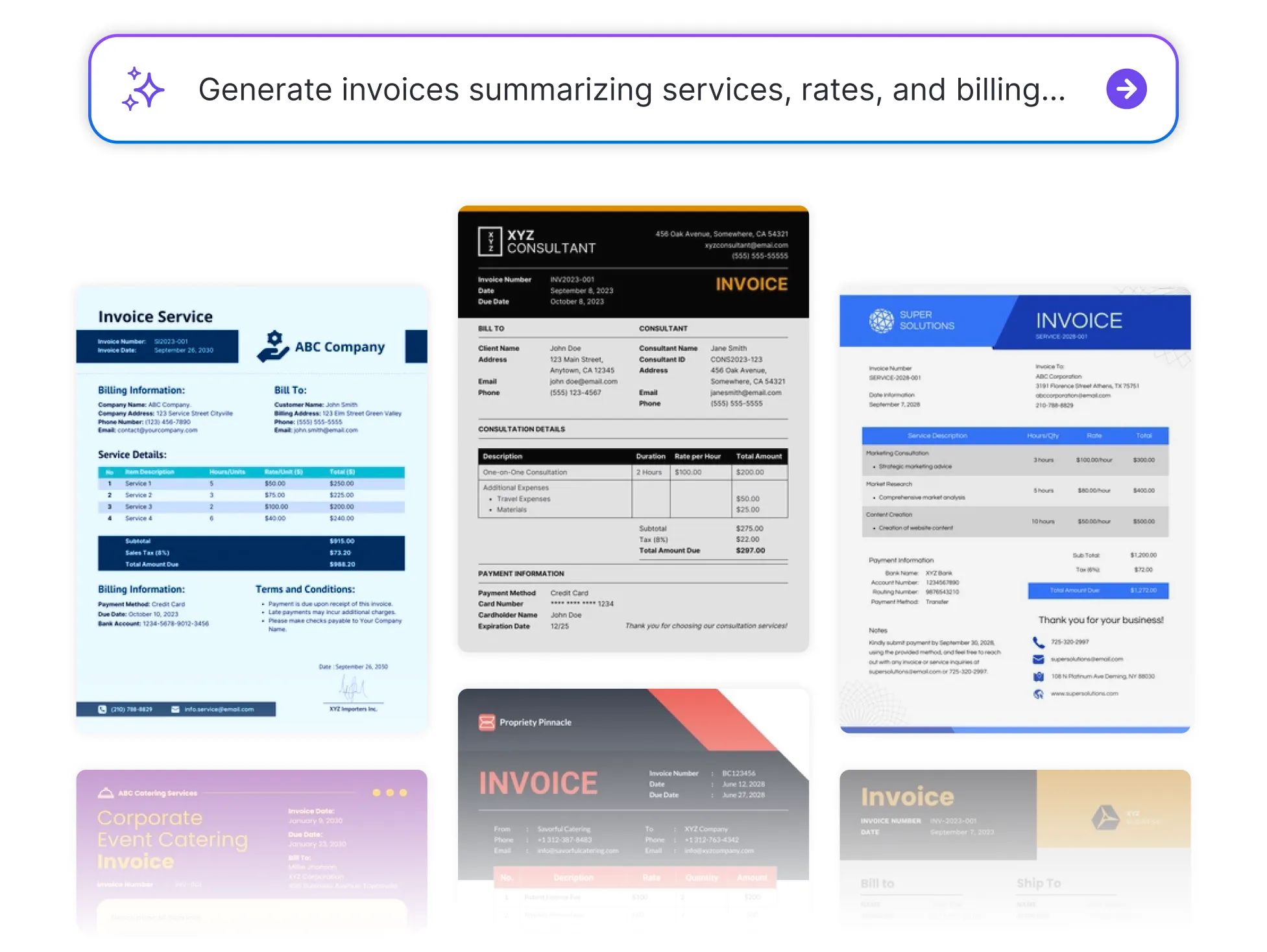




Browse Through More Invoice Templates
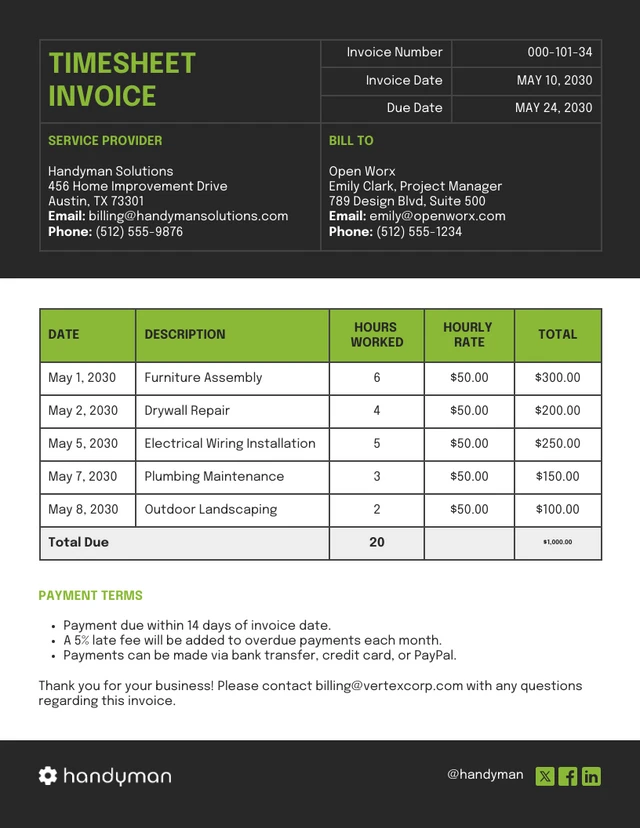
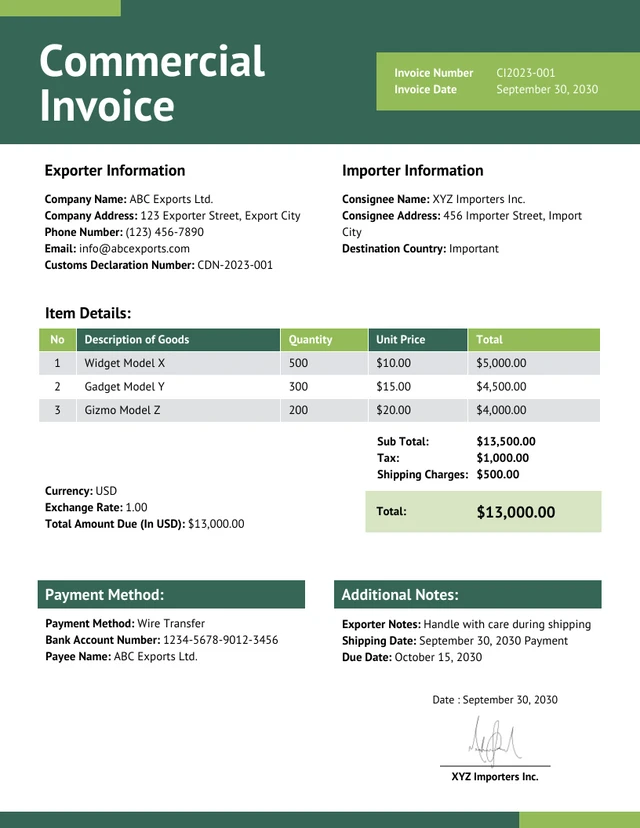
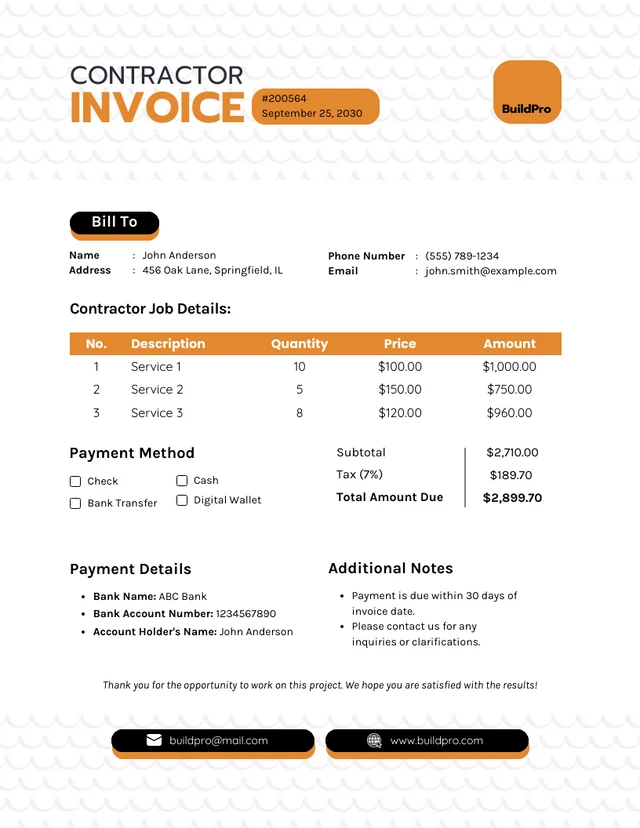
Popular AI Design Generators

How to Create an Invoice in Under 5 Minutes
Step 1
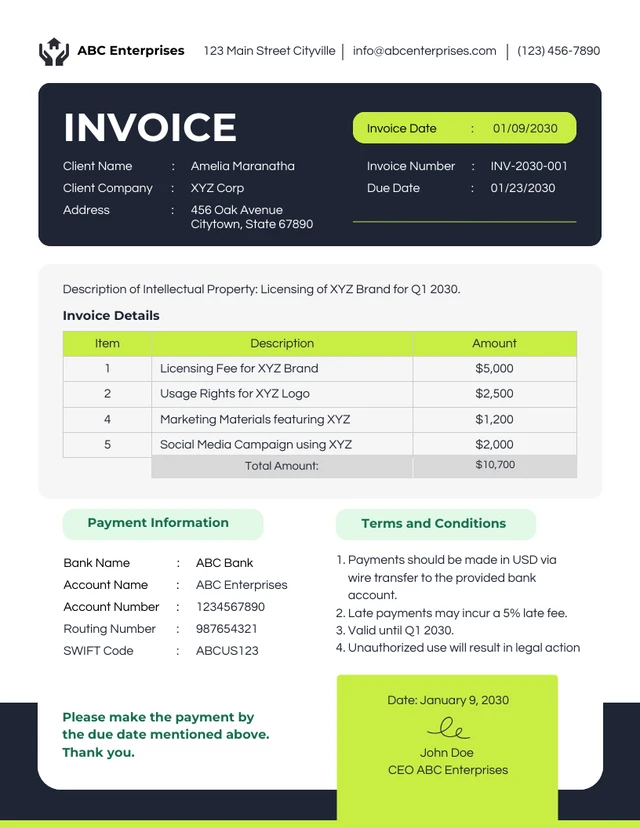
Add Your Business Details
Start by entering your name, company info, and contact details.
Step 2
Enter Client Information
Fill in your client’s name, company, and billing address.
Step 3
List Products or Services
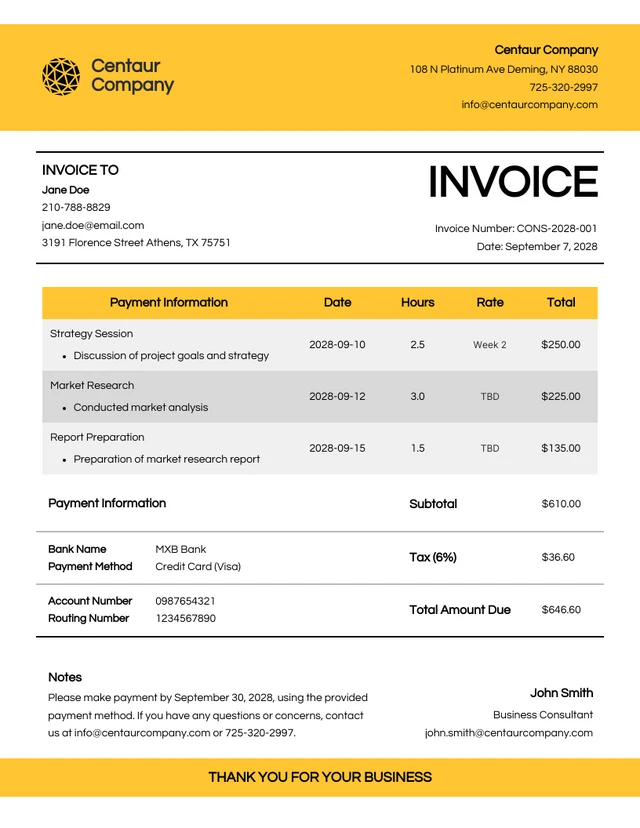
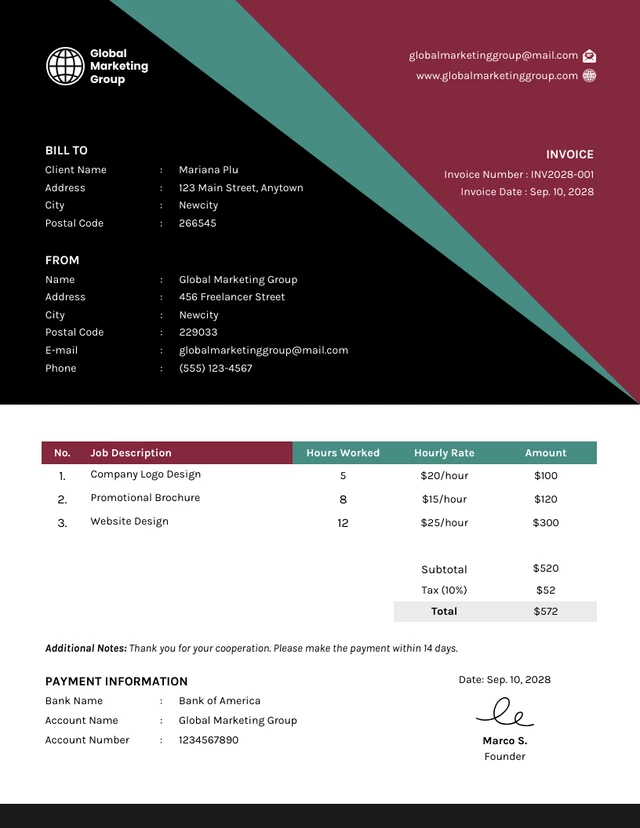
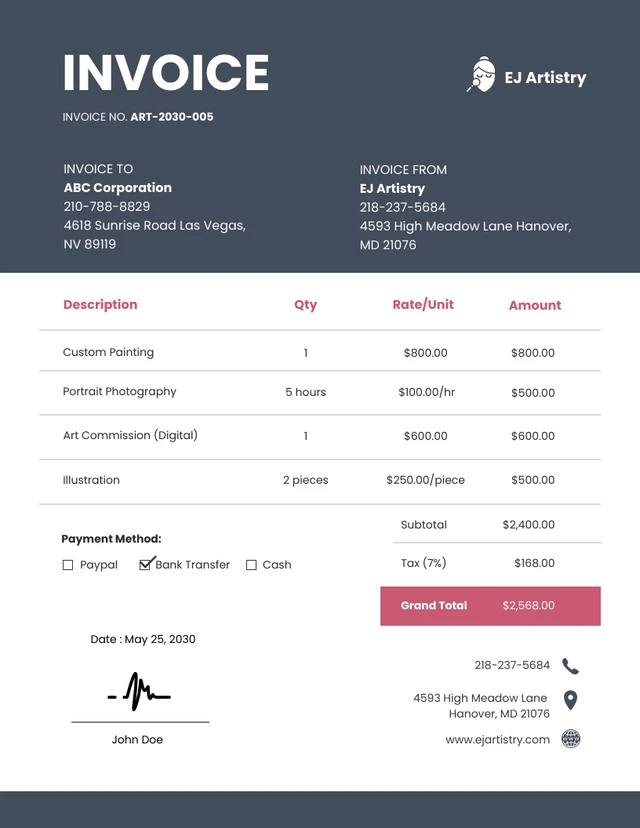
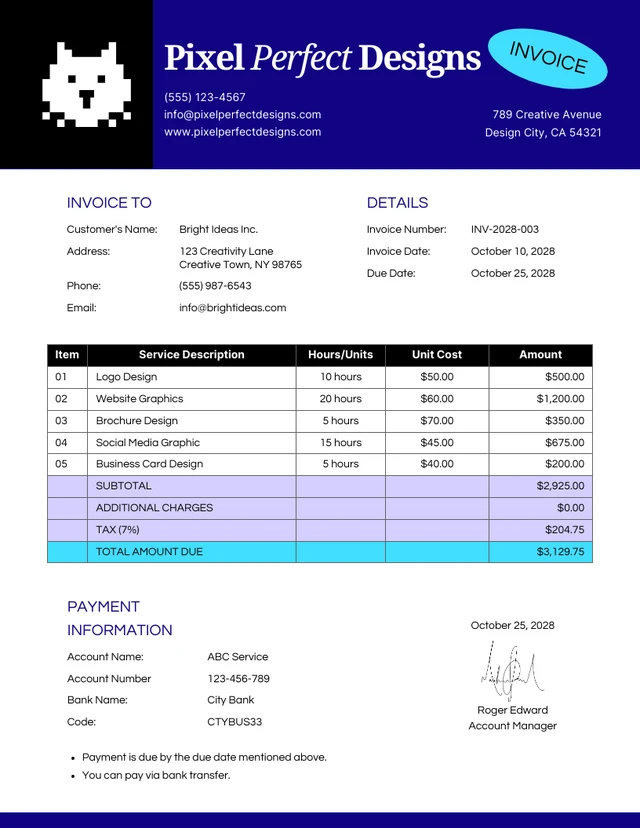
Add a description of each item or service, along with quantities, rates, and totals.
Step 4
Customize the Design
Use the drag-and-drop editor to tweak layout, colors, or fonts. Apply your Brand Kit for a professional finish.
Step 5
Download or Share Instantly
Export your invoice as a PDF or share a link, ready to send and ready to get paid.
Freelancers Looking to Get Paid Faster
Tired of chasing payments or formatting invoices from scratch? Venngage’s Invoice Generator helps freelancers create clean, professional invoices in minutes—perfect for client projects, retainers, or one-off gigs.
Skip the manual design work. Just fill in your details and send an invoice that looks as polished as your work.
Generate Invoices