


Free AI Graphic Organizer Generator
Map out strategies, plans, and ideas with AI precision.
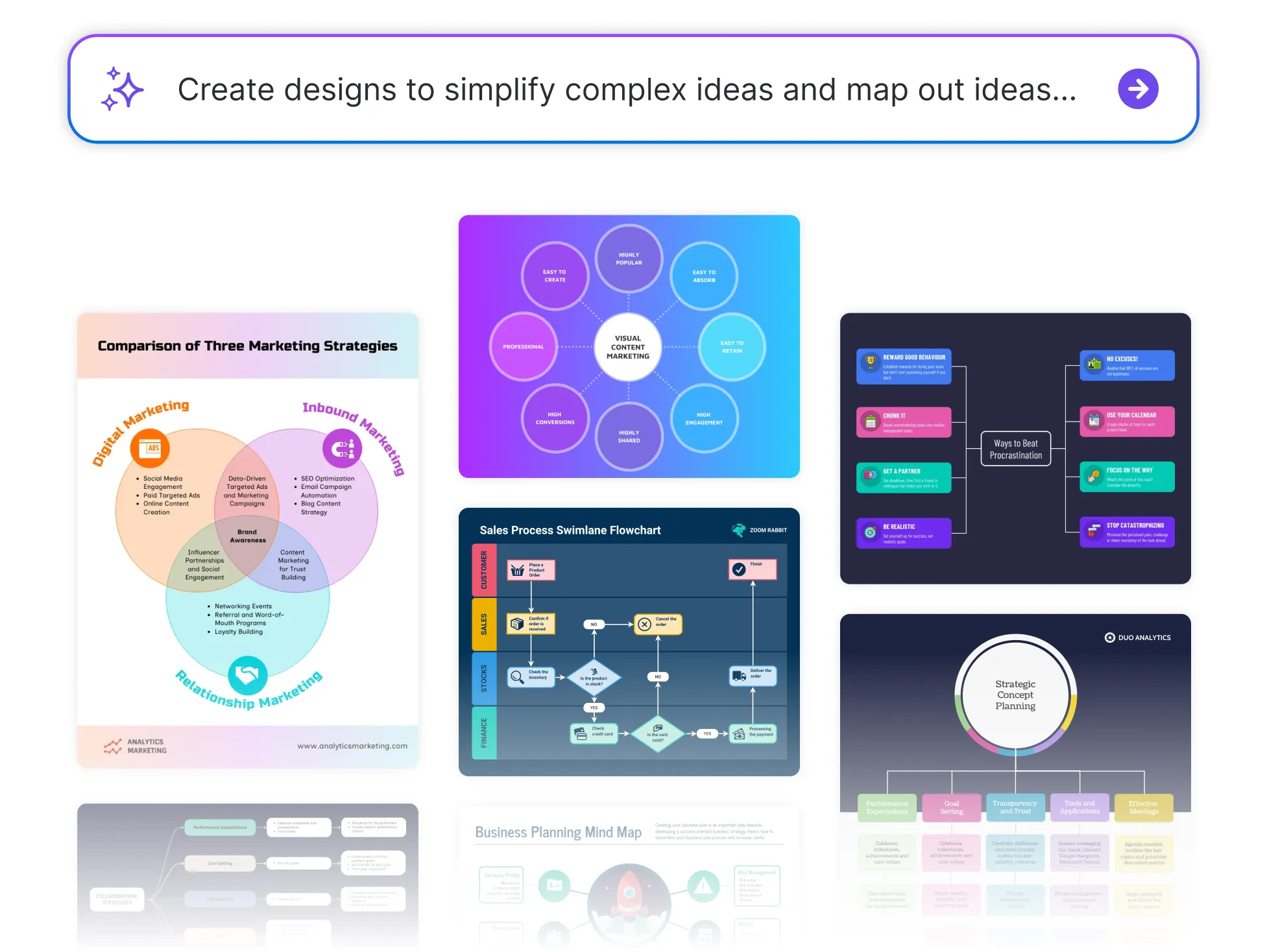




Browse Through More Graphic Organizer Templates


Popular AI Design Generators
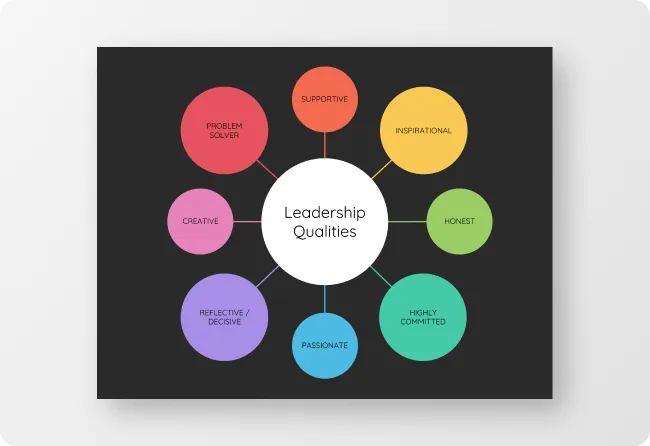
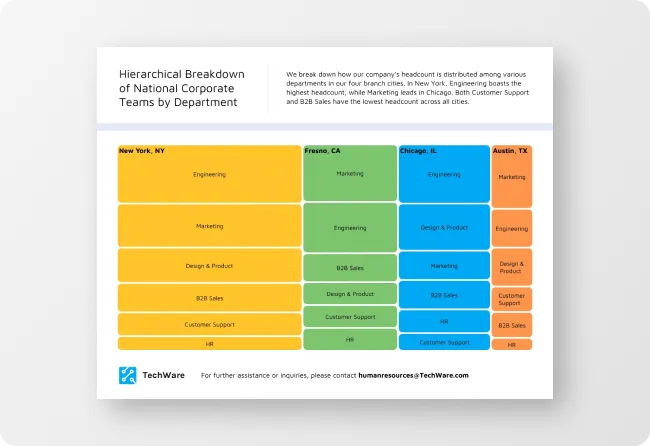
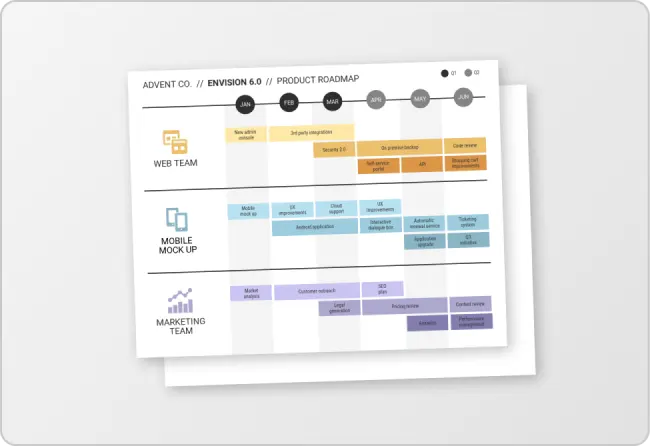
How to Create a Graphic Organizer in Under 5 Minutes
Step 1
Add Your Topic or Idea
Start by entering your main topic, concept, or question. The AI Graphic Organizer Generator instantly identifies the best visual structure for your content.
Step 2
Choose Your Organizer Type
Select from templates like contracts, NDAs, partnership agreements or consent forms. The AI Legal Document Generator adjusts tone and structure automatically for eachSelect from templates like mind maps, Venn diagrams, flowcharts, or concept maps. AI adapts each layout to fit your learning, planning, or brainstorming needs.
Step 3
Input Key Points and Connections
Add your supporting details, categories, or relationships. The AI organizes them automatically, ensuring your ideas flow clearly from start to finish.
Step 4
Customize the Look and Feel
Use Venngage’s drag-and-drop editor to adjust colors, icons, and fonts. Apply your Brand Kit for consistent visuals across all your educational or professional materials.
Step 5
Download or Share Instantly
Export your completed graphic organizer as a PDF, image, or shareable link. Perfect for classrooms, meetings, or presentations.
Creative Teams and Designers Brainstorming Ideas
Creative ideas move fast, your visuals should too. Venngage’s AI-powered organizer helps teams brainstorm, cluster ideas, and find patterns quickly.
From concept boards to story flows, generate structured visuals that bring creativity and collaboration together.
Generate My Table Now