


Free AI Estimate Generator
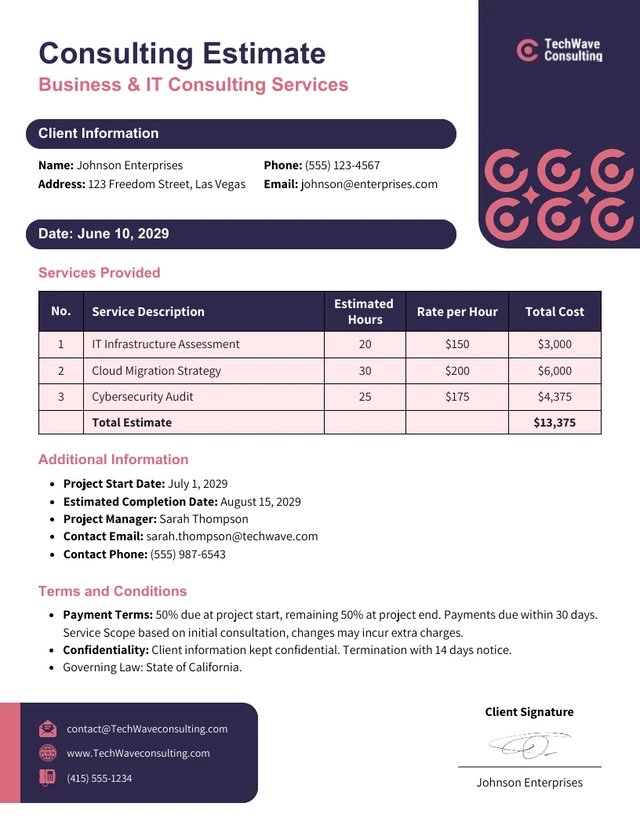
Just focus on the project and let AI handle the math.
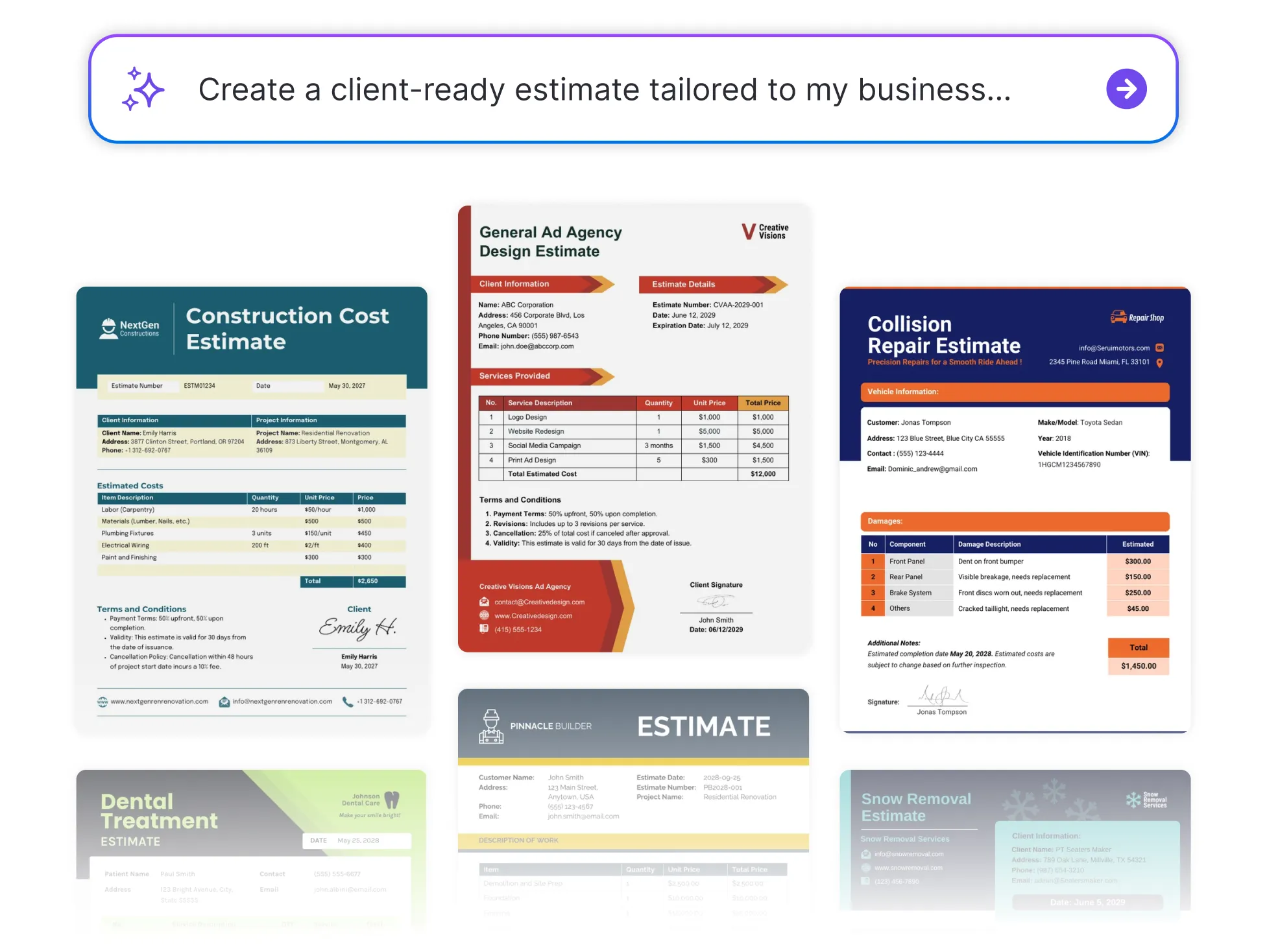




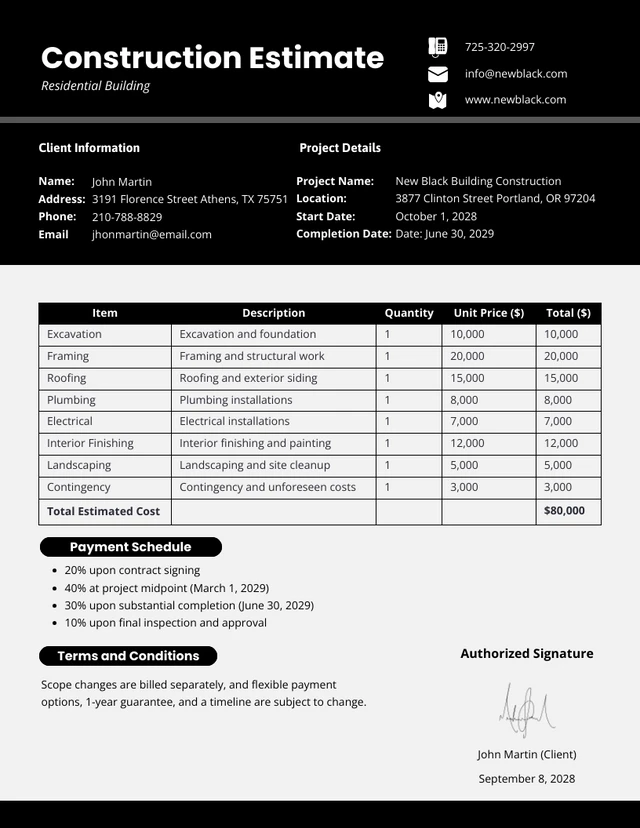
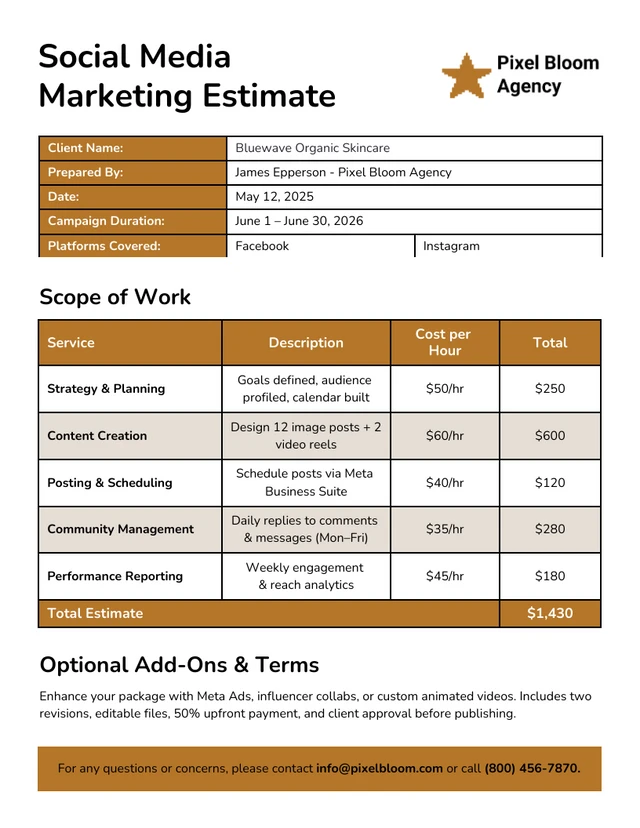
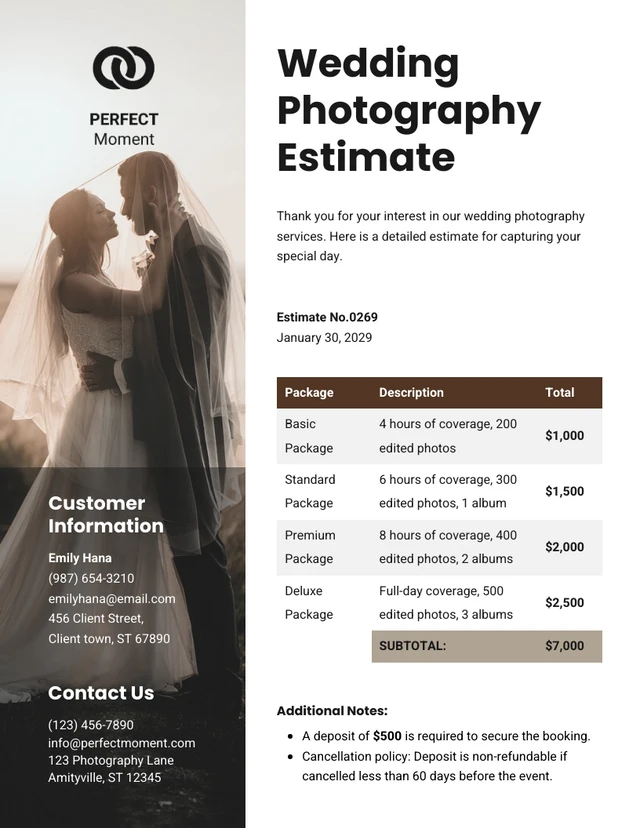
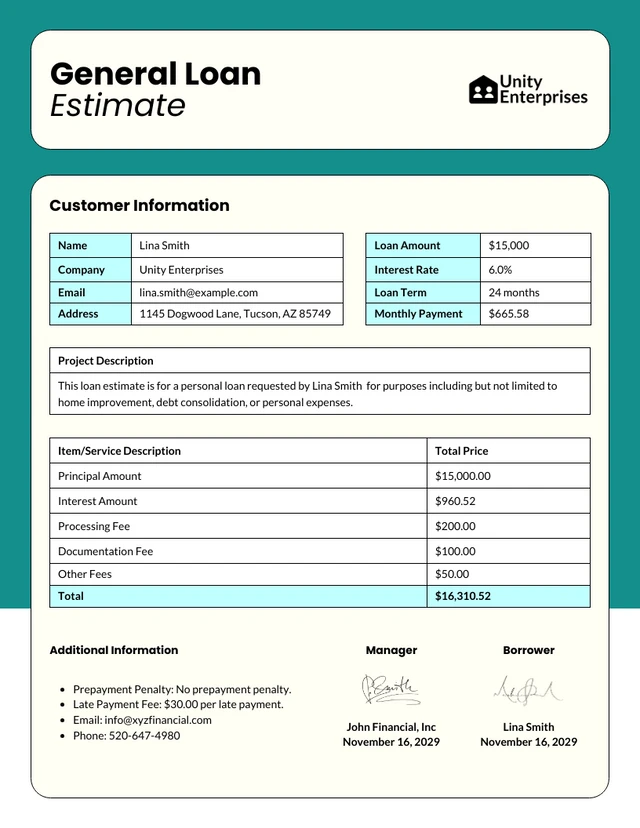
Browse Through More Estimate Templates
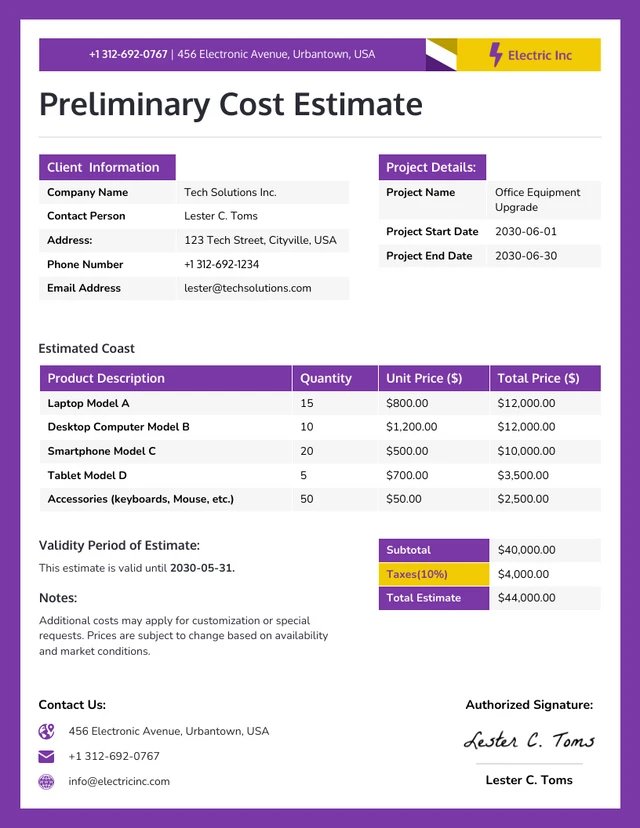
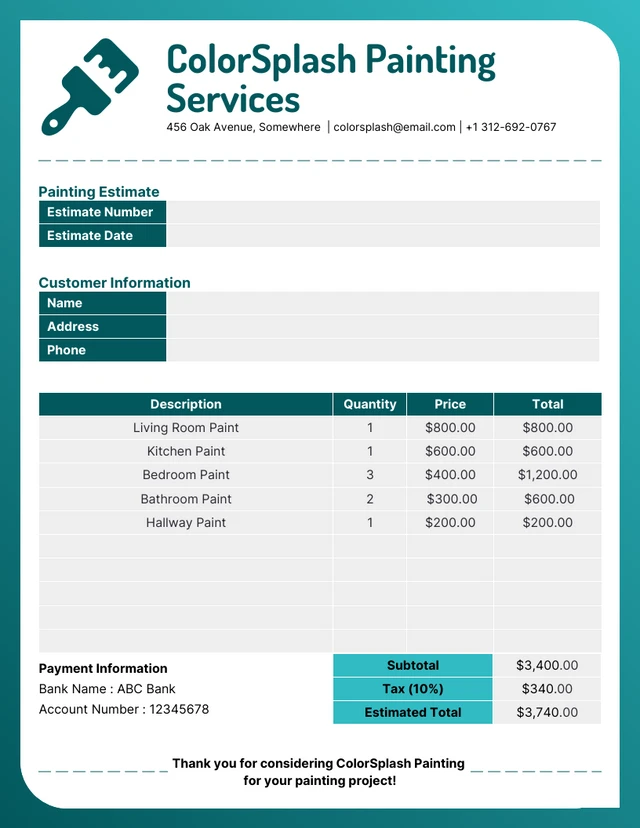
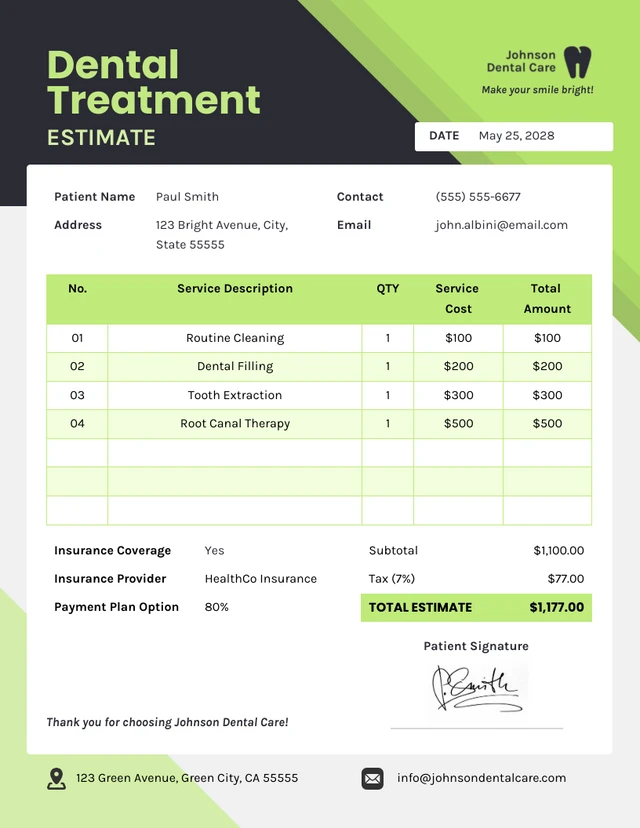
Popular AI Design Generators

How to Write an Estimate in Under 5 Minutes
Step 1
Add Your Business Information
Start by entering your business name, contact details, and logo to personalize your estimate and make it look professional.
Step 2
Enter Client Details
Fill in your client’s name, company, and contact information so your estimate feels tailored, accurate, and client-ready.
Step 3
Describe Your Products or Services
List each item or service, along with quantities, rates, and any additional costs. The AI Estimate Generator automatically formats your details for clarity and accuracy.
Step 4
Customize Your Layout and Branding
Use Venngage’s drag-and-drop editor to adjust colors, fonts, and structure. Apply your Brand Kit for a cohesive, polished look every client will recognize.
Step 5
Download or Share Instantly
Once your estimate is ready, export it as a PDF or share it directly with your client to help you close the deal faster.
Construction and Project Management Teams Winning More Bids
Deadlines are tight, budgets are tighter, but your estimates don’t have to be. Venngage’s AI Estimate Generator helps construction companies and project managers build detailed, accurate cost breakdowns that inspire client confidence.
From materials to labor, AI organizes every detail into a clean, branded layout that looks as solid as your work.
Generate My Estimate Now