


Free AI Curve Graph Generator
Show trends with smooth, simple curves. No spreadsheets needed.
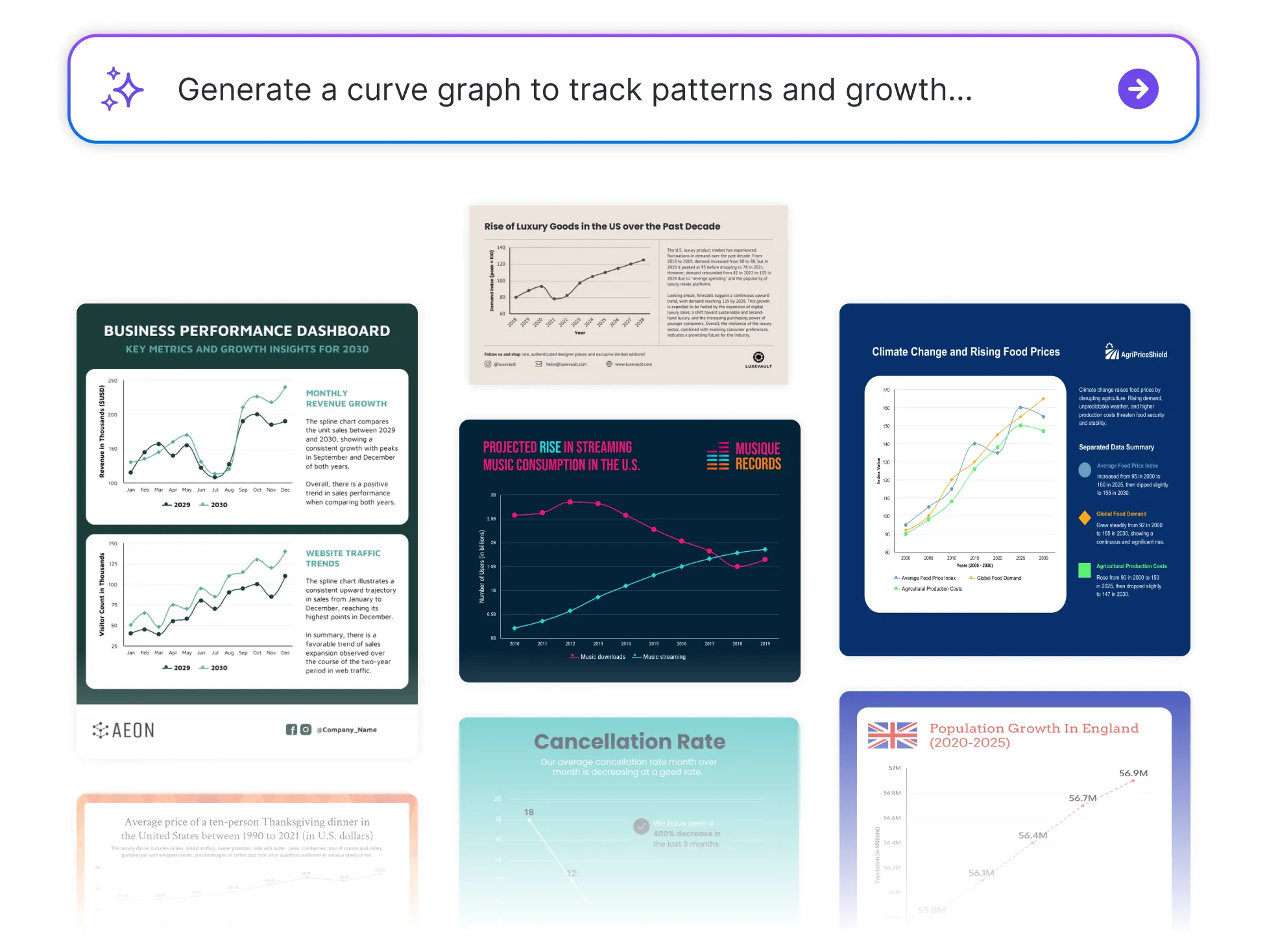




Browse Through More Curve Graph Templates


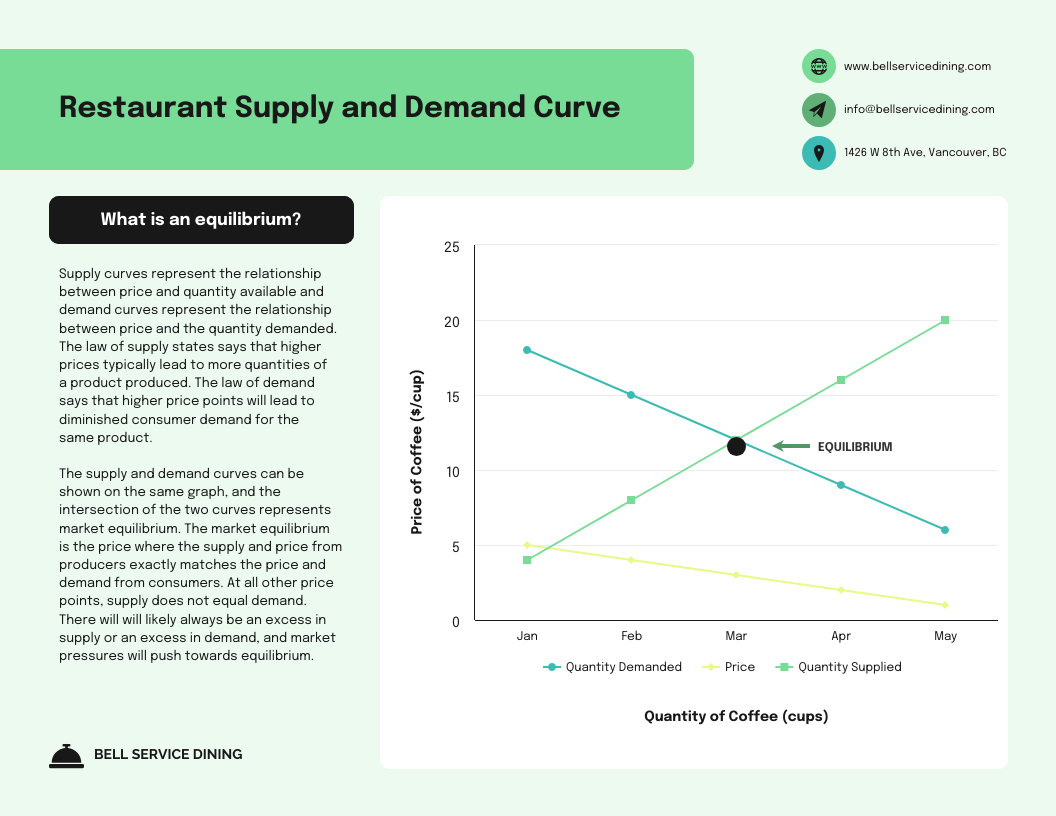

Popular AI Design Generators

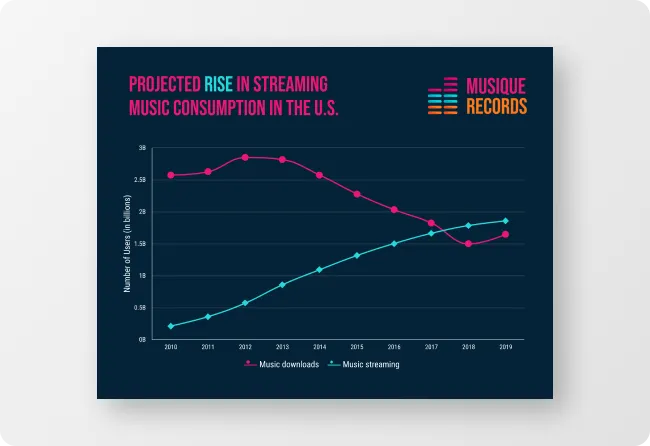
How to Create a Curve Graph in Under 5 Minutes
Step 1: Enter Your Data
Start by adding your values, whether you're tracking growth, patterns, or changes over time.
Step 2: Let AI Generate the Curve
Venngage’s AI automatically transforms your data into a smooth, flowing curve graph, no complex setup needed.
Step 3: Edit Labels and Axes
Tweak your graph titles, data points, and axis labels to make everything easy to read and understand.
Step 4: Customize the Design
Use Venngage’s drag-and-drop editor to adjust colors, line styles, fonts, and more. Add your Brand Kit for a polished, professional look.
Step 5: Download or Share Instantly
Export your graph as a PDF, PNG, or link to attach into reports, decks, or dashboards.
Analysts Looking to Show Trends Smoothly
Want to highlight patterns or growth over time? Venngage’s Curve Graph Generator helps you turn raw data into smooth, flowing visuals.
It’s perfect for reports, forecasts, and dashboards that need to look sharp and stay clear. Skip the clunky charts. Just drop in your data and let the curve do the talking.
Generate a Curve Graph