


Free AI Curriculum Generator
Simplify lesson planning with AI.
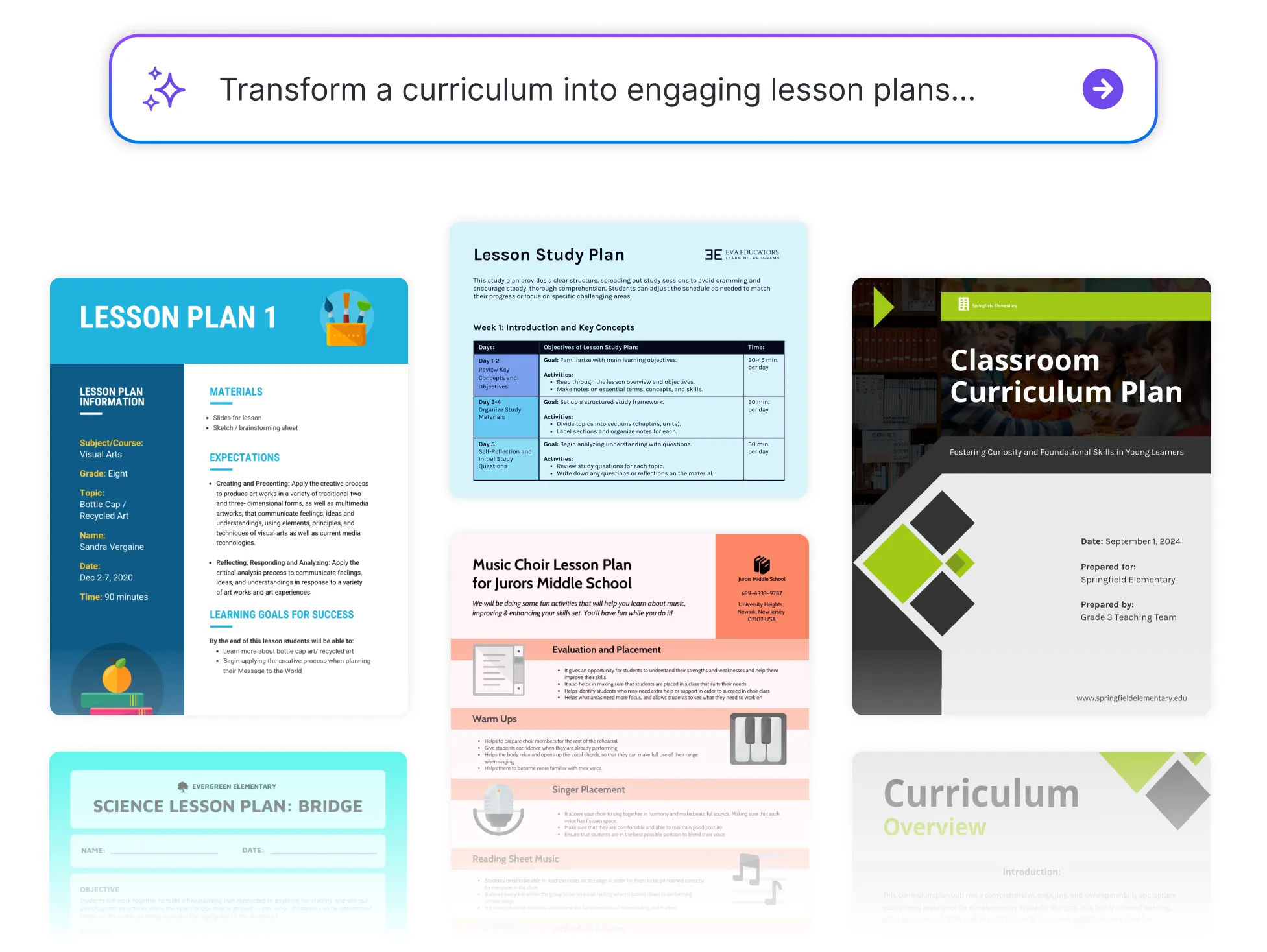




Browse Through More Curriculum Templates

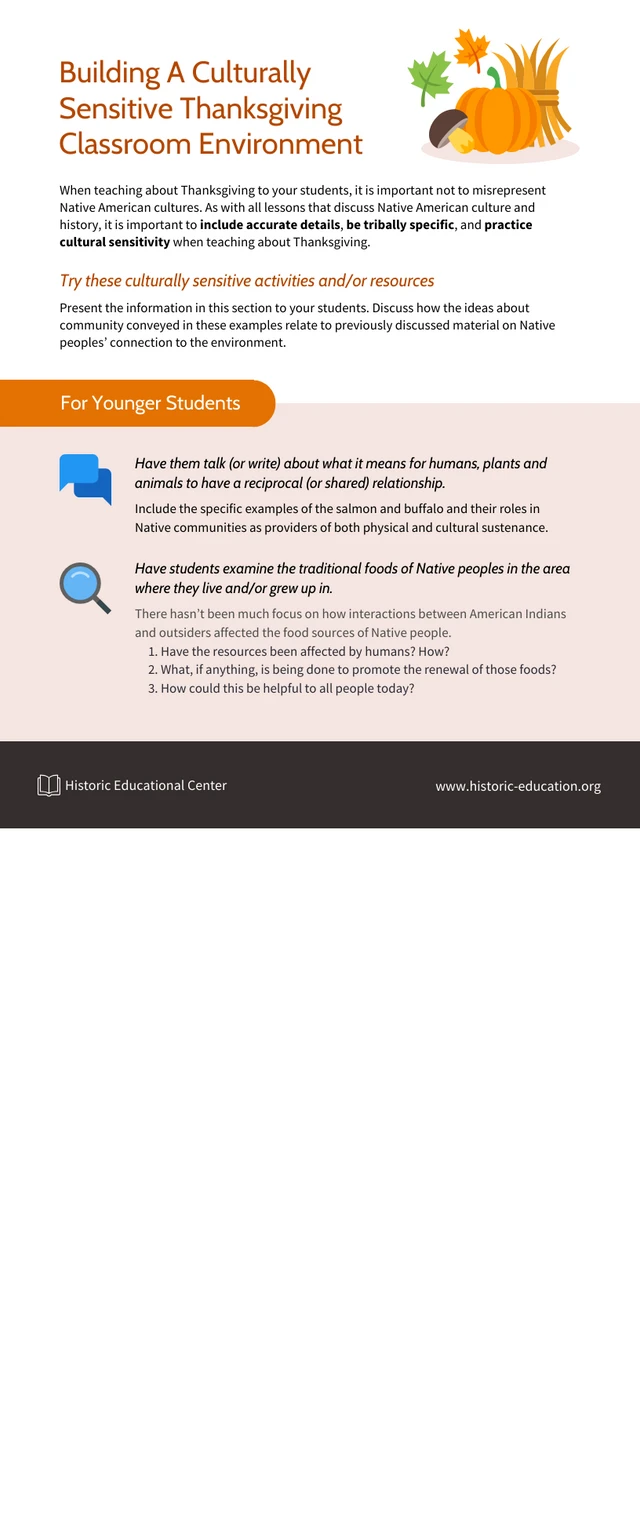


Popular AI Design Generators
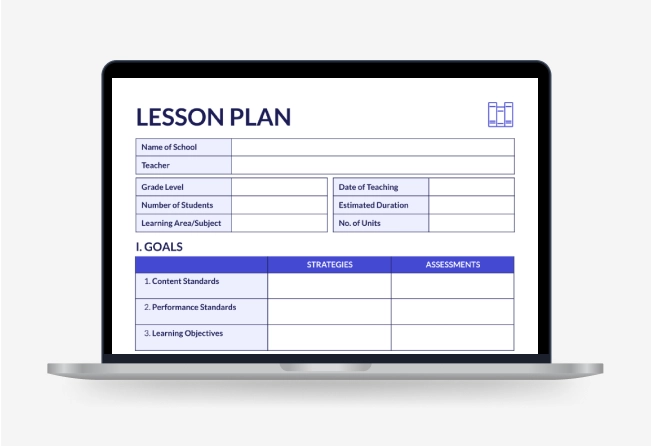
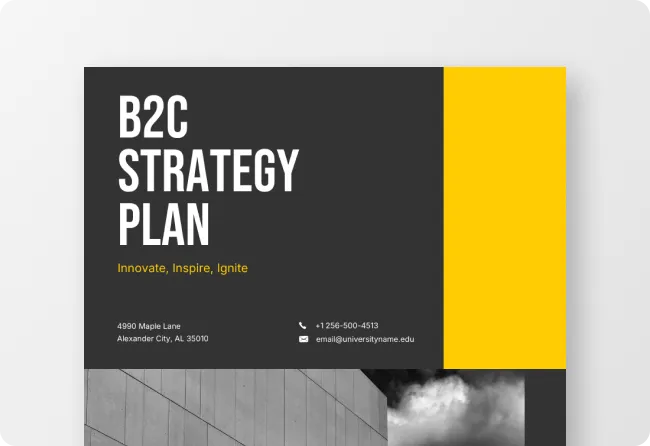
How to Create a Curriculum in Under 5 Minutes With AI
Step 1
Enter Your Course Information
Begin by adding your course name, subject area, and target audience. Venngage’s AI Curriculum Generator uses this context to craft a framework that matches your teaching goals and educational standards.
Step 2
Define Clear Learning Objectives
Outline the knowledge and skills you want learners to gain. The AI applies evidence-based instructional design principles to ensure each lesson builds toward measurable outcomes.
Step 3
Generate a Complete Curriculum Structure
In seconds, Venngage’s AI creates a well-organized sequence of modules, lessons, and activities. Each component is logically structured to promote engagement, comprehension, and retention.
Step 4
Personalize and Enhance With Visual Design
Refine your curriculum using Venngage’s intuitive editor. Add visuals, interactive elements, or branding through the Brand Kit, ensuring your materials are both professional and easy to follow.
Step 5
Review, Export, and Share Securely
Once satisfied, download your curriculum as a PDF or share it digitally. Venngage ensures your content remains accessible, credible, and ready for classrooms, workshops, or online learning platforms.
Educators Designing Impactful Learning Experiences
Lesson planning shouldn’t take all night. Venngage’s AI Curriculum Generator helps teachers design cohesive, standards-aligned curriculums in minutes, complete with clear objectives, engaging activities, and visual lesson flow.
Empower your students with structured, engaging lessons while AI takes care of the formatting and organization. Start creating curriculums that inspire learning, not burnout.
Create Your Curriculum With AI