


Free AI Cover Page Generator
Covers that set the standard.
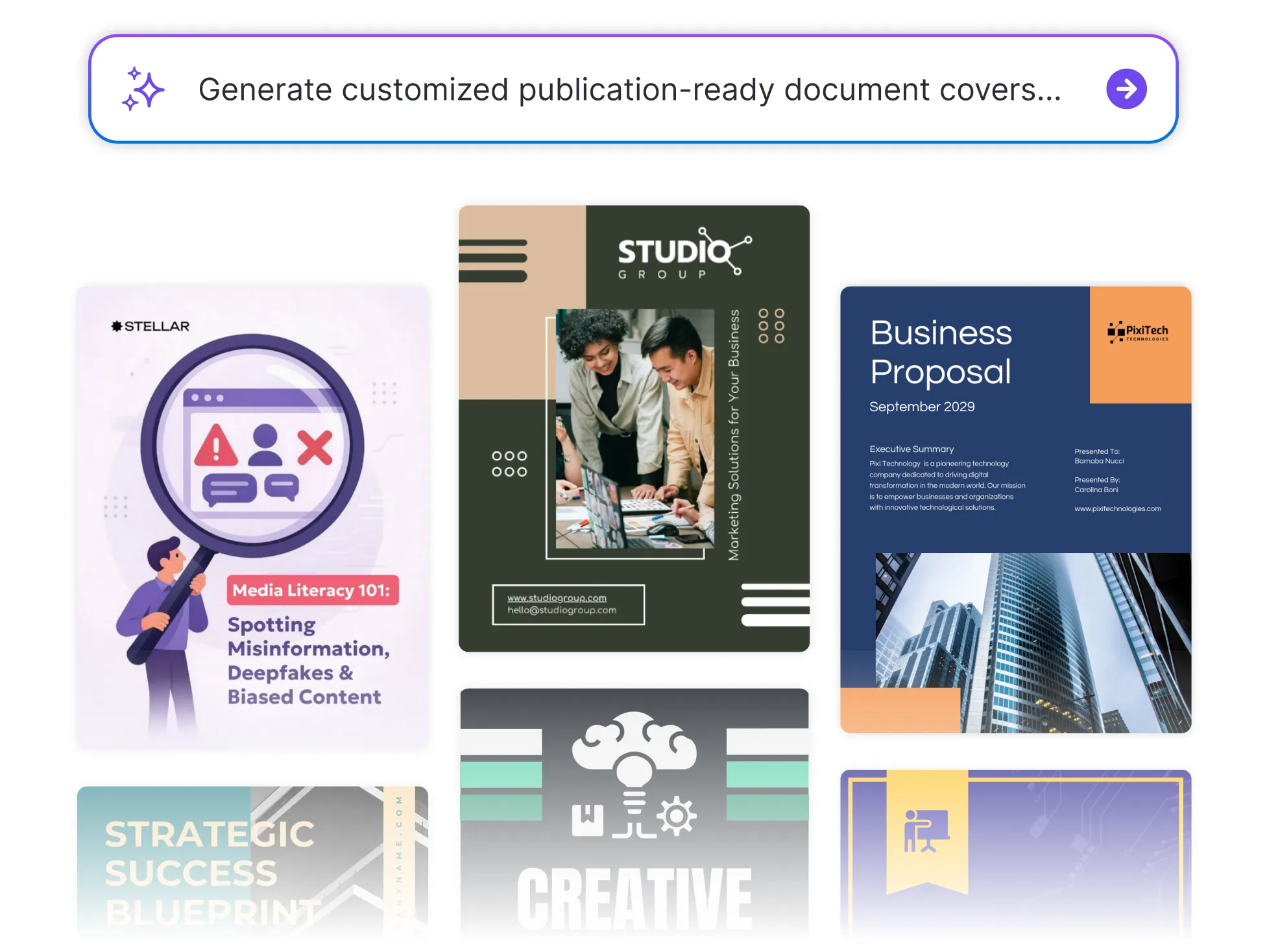




Browse Through More Cover Page Templates

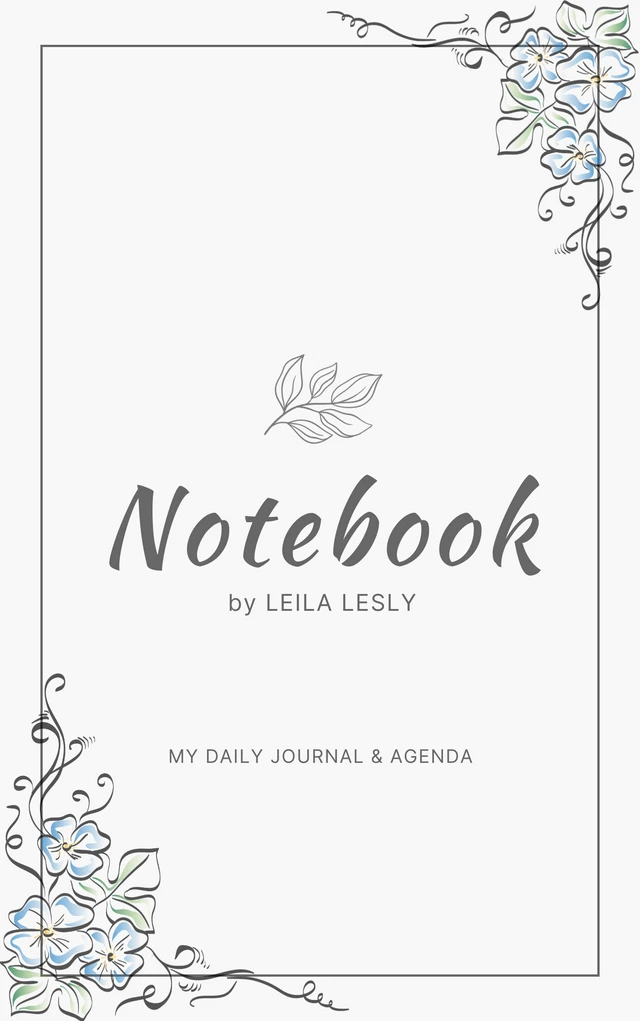






Popular AI Design Generators



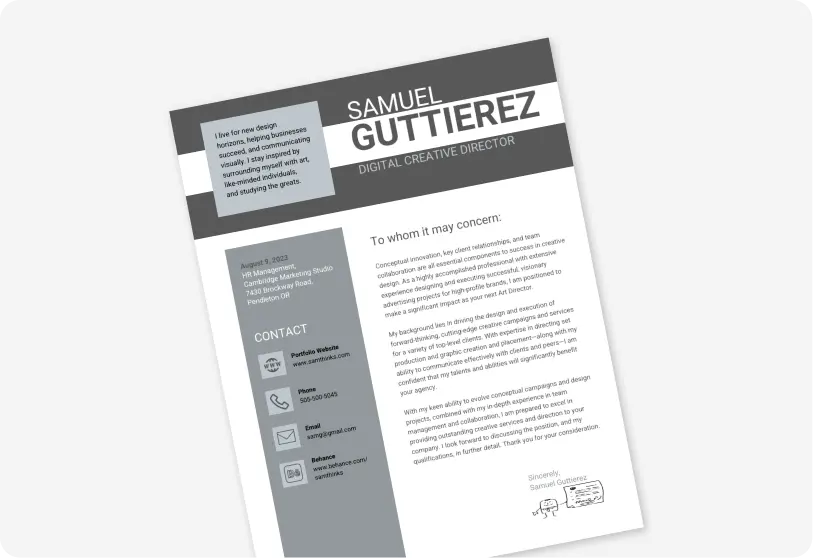

How to Create a Cover Page Using AI in Under 5 Minutes
Step 1
Enter Your Project Details
Start by adding your document title, company or school name, and author info. Venngage’s AI Cover Page Generator uses this data to structure your layout automatically.
Step 2
Choose the Type of Cover Page You Need
Select whether you’re creating a business cover page, academic title page, proposal cover, or report cover. The AI tailors the format and design accordingly.
Step 3
Let AI Generate the Cover Page Layout
The AI-powered cover page maker instantly designs your layout with smart typography, visual hierarchy, and professional formatting with no design experience required.
Step 4
Customize Your Design and Branding
Use the drag-and-drop editor to refine fonts, colors, and images. Apply your Brand Kit to keep your document cover design consistent and professional.
Step 5
Download or Share Instantly
Export your printable cover page as a high-quality PDF or share it digitally. Your finished cover is ready to submit, present, or publish.
Business Professionals Delivering Client-Ready Work
Your first page shapes how clients judge your work. Venngage’s AI Cover Page Generator helps teams create polished business cover pages, proposal covers, and corporate report covers that communicate credibility instantly.
Produce documents that reflect expertise and design a cover page that wins trust before the meeting even starts.
Create Client-Ready Covers