


Free AI Collage Generator
From image dump to eye-catching collage.
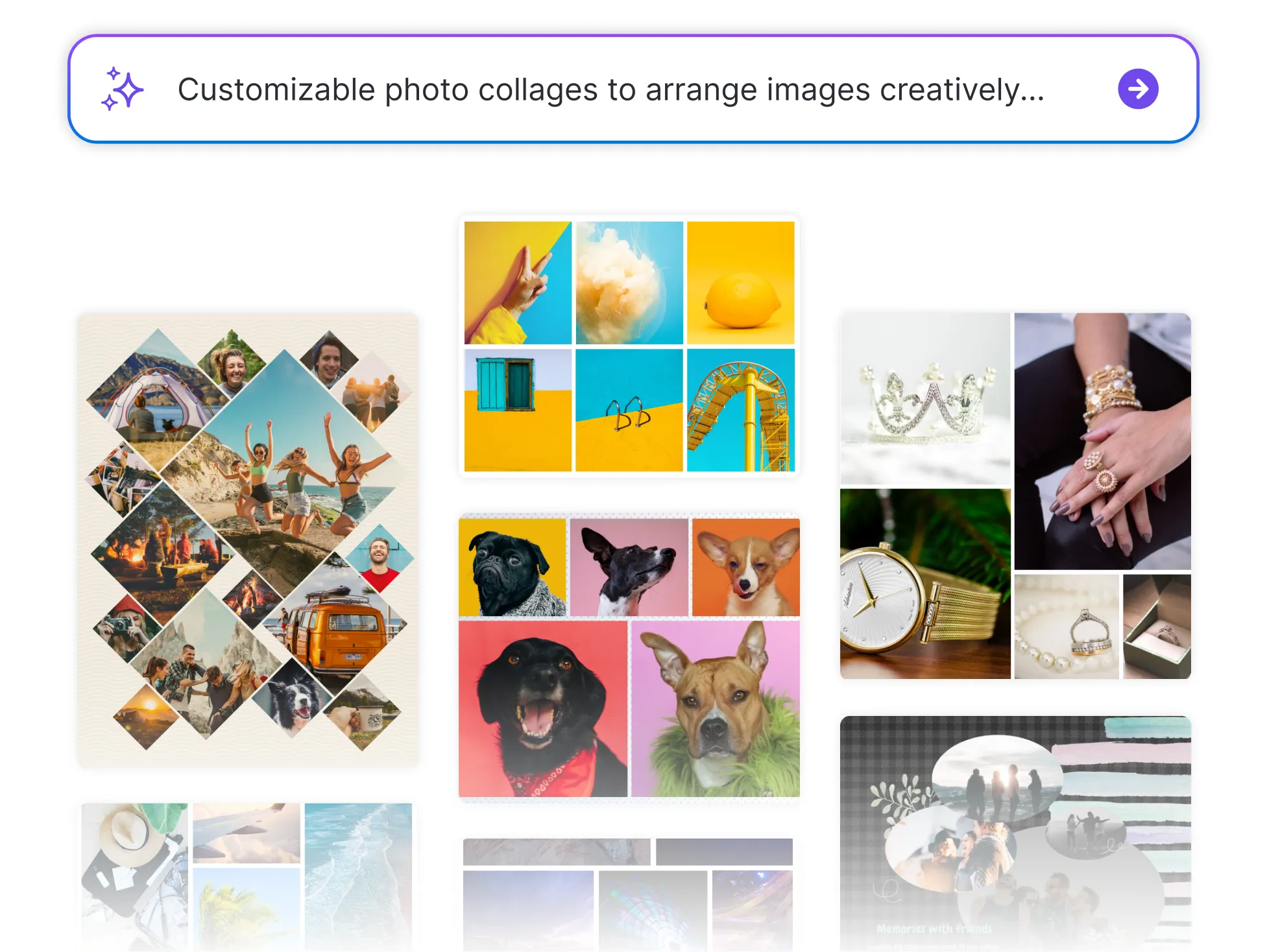




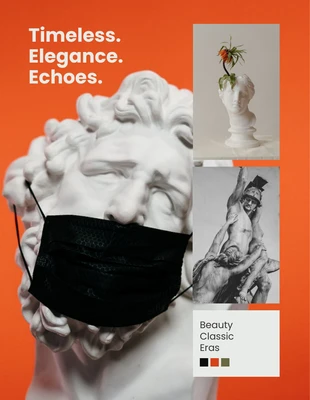
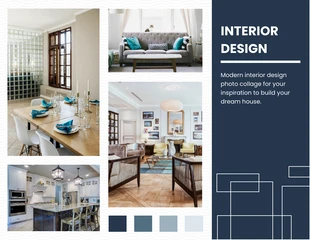
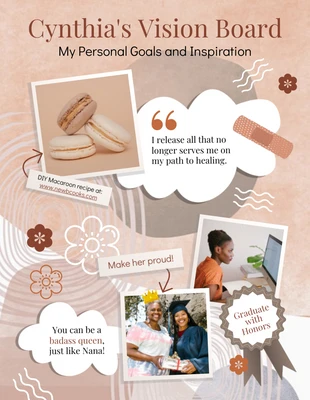
Browse through Collage Templates
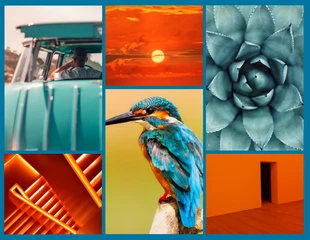
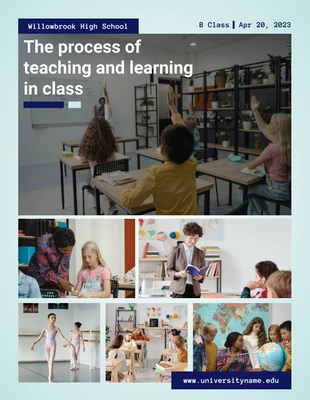
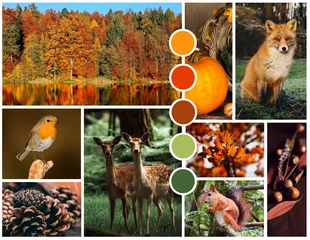


Popular AI Design Generators
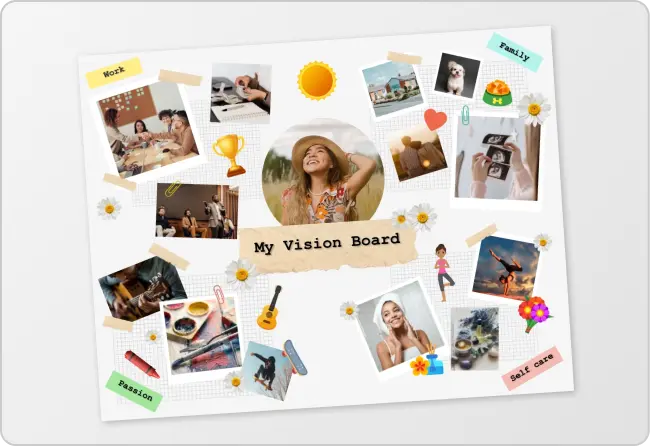

How to Create a Custom Collage in Under 5 Minutes
Step 1: Upload Your Images or Type a Prompt
Start by uploading your own photos or enter a prompt like “travel memories collage” or “product showcase layout” to let AI do the heavy lifting.
Step 2: Let AI Generate Your Layout
Venngage’s Collage Generator arranges your images into a clean, eye-catching design instantly, no dragging or resizing needed.
Step 3: Customize the Look
Tweak the layout, swap images, or adjust spacing using the drag-and-drop editor to match your vision or brand style.
Step 4: Add Text, Colors, or Branding
Use the Brand Kit to add your logo, fonts, or brand colors or keep it casual with playful text and backgrounds.
Step 5: Download or Share Instantly
Export your collage as an image or PDF, or share it with a link, perfect for social media, portfolios, presentations, or print.
Creators Looking to Showcase Visual Stories
Have a bunch of photos, screenshots, or ideas you want to tie together? Venngage’s Collage Generator helps you turn scattered visuals into cohesive, scroll-stopping layouts that are great for social media, portfolios, or personal projects.
Skip the manual resizing and layout struggle. Just upload your images or type a prompt, and let AI do the rest.
Generate a Collage