


Free AI Calendar Generator
From blank page to calendar in minutes.
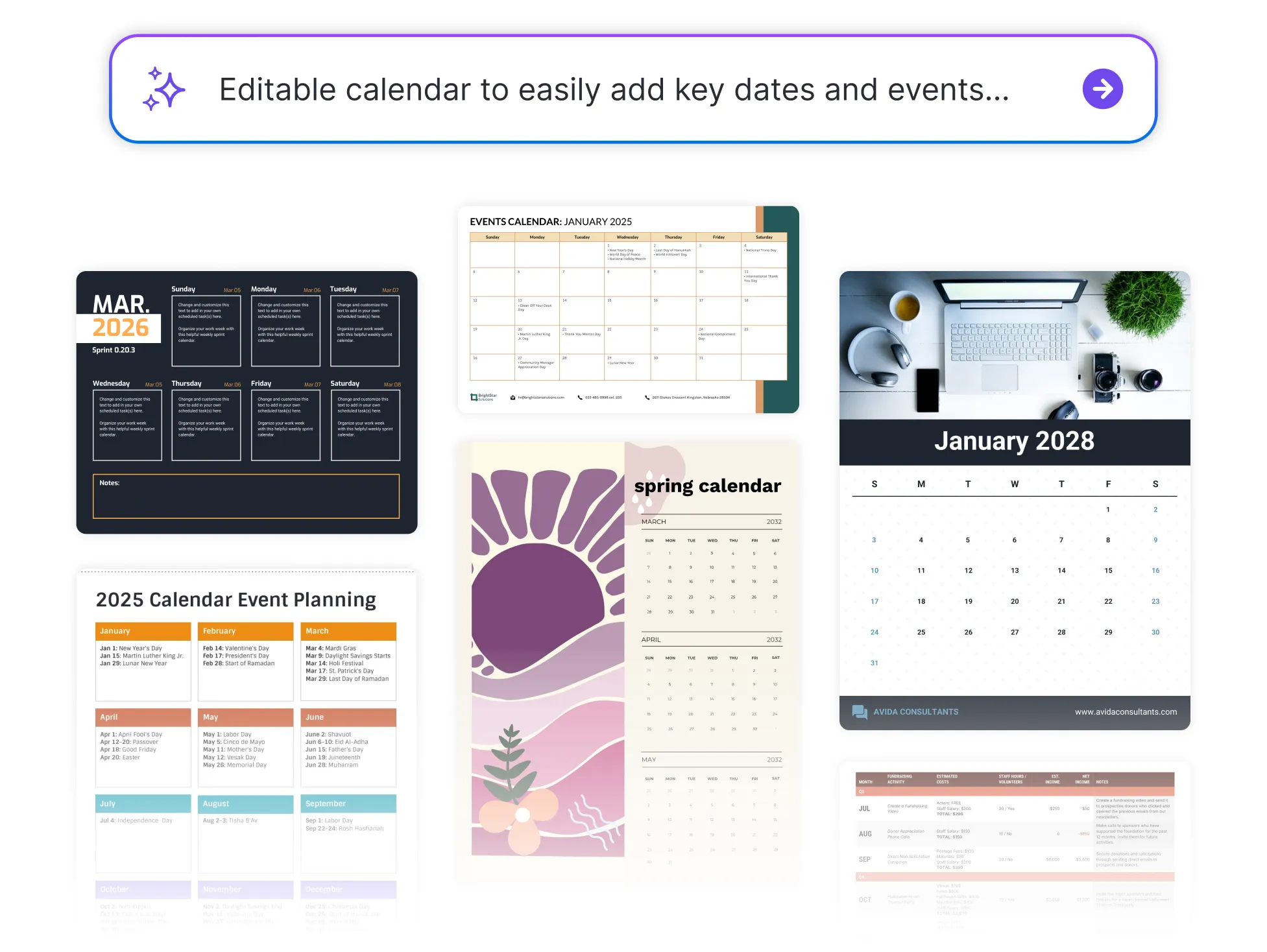




Browse Through More Calendar Designs

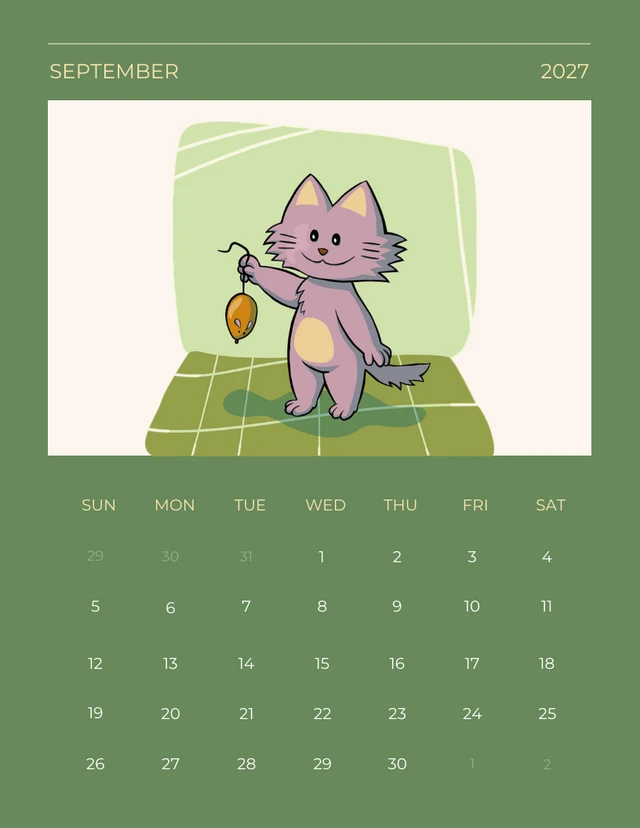
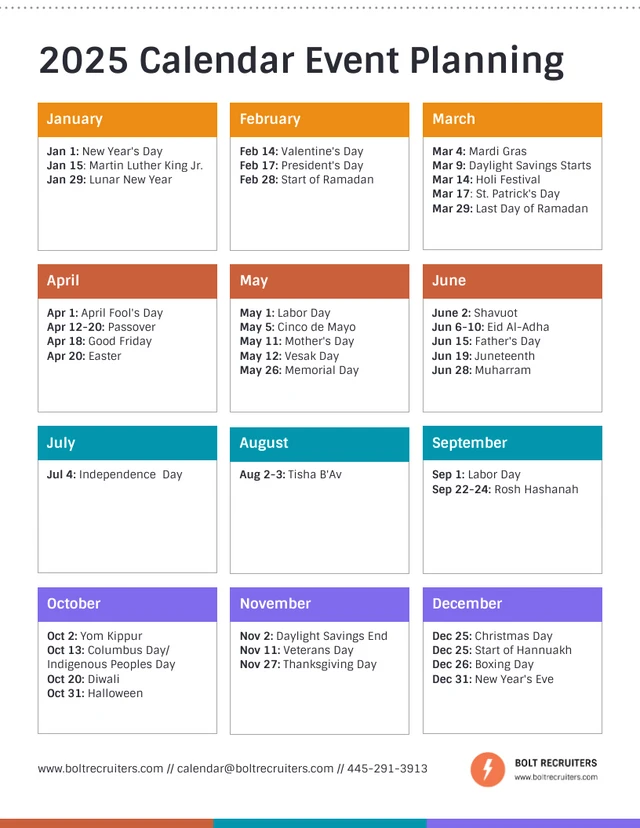

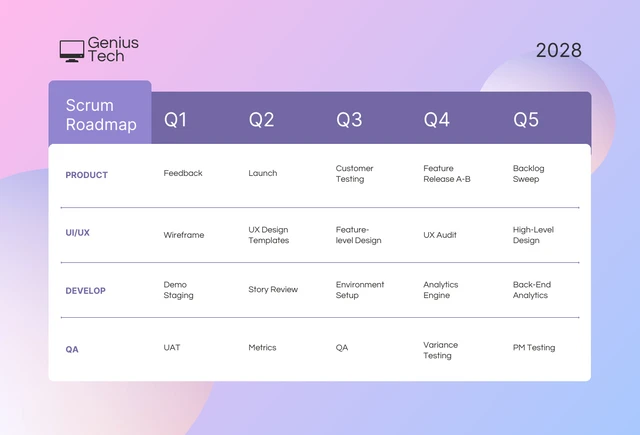


Popular AI Design Generators
How to Create Custom Calendars in Under 5 Minutes
Step 1: Choose Your Calendar Format
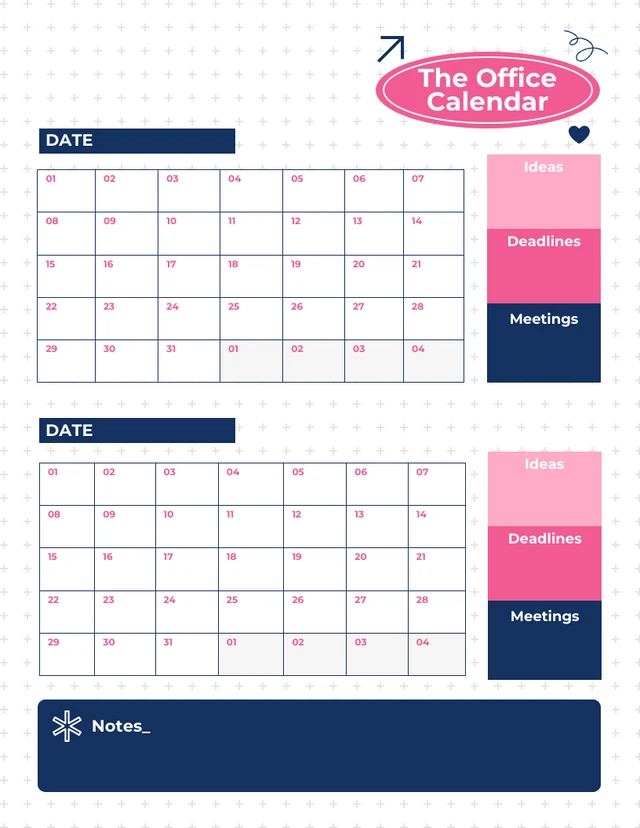
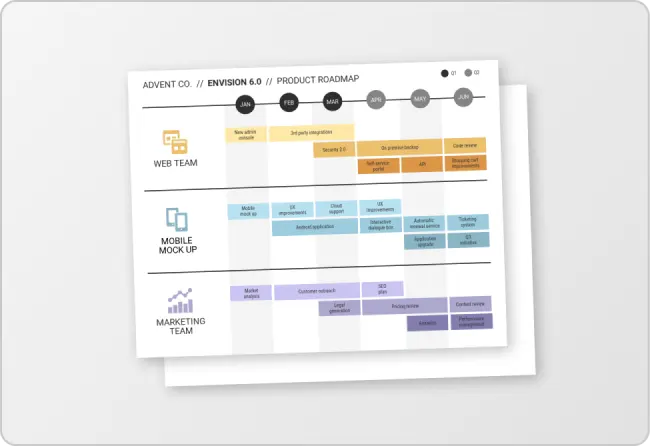
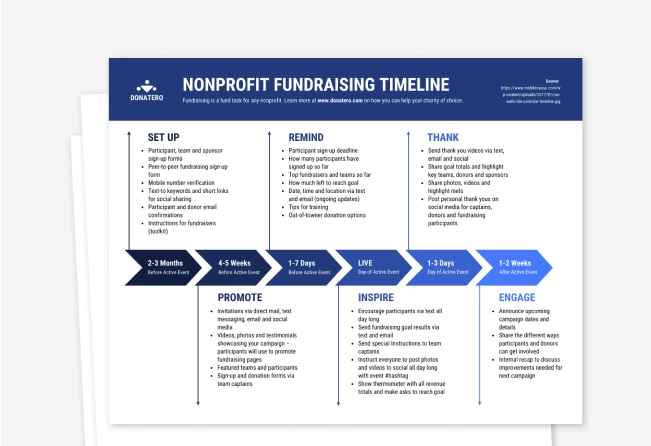
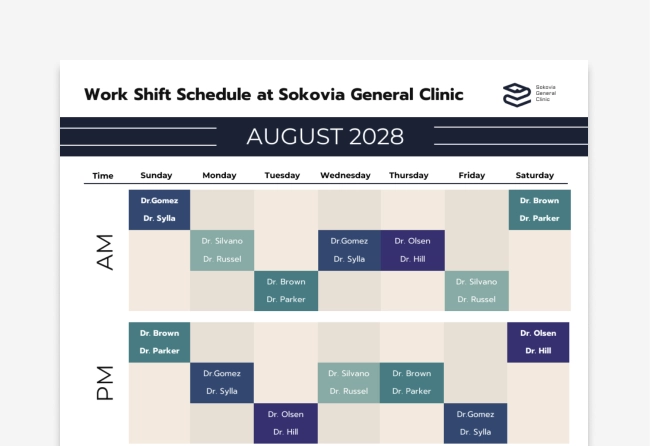
Start by selecting a layout that fits your needs—monthly, weekly, daily, or content-specific templates.
Step 2: Add Key Dates and Tasks
Input deadlines, events, or milestones—anything you need to stay on top of.
Step 3: Customize the Design
Use Venngage’s drag-and-drop editor to change colors, fonts, icons, and more—make it easy to read at a glance.
Step 4: Apply Your Branding
Add your logo, brand colors, or team visuals using Venngage’s Brand Kit for a polished, professional look.
Step 5: Download or Share Instantly
Export as a PDF, image, or shareable link—perfect for teams, classrooms, or clients.
Planners Looking to Stay One Step Ahead
Juggling deadlines, tasks, and priorities? Venngage’s Calendar Generator helps you create clear, customizable calendars—perfect for content schedules, project timelines, or personal planning.
Just choose a template, add your events, and keep everything (and everyone) on track.
Generate Your Calendar